

Occasionally rebooting your router and modem is pretty normal, and some routers even have a reboot schedule function that can take care of this for you. Though problematic network equipment should be replaced, adding a smart plug to your setup can save you effort and even automate the entire process.
Buying the right smart plug
Rebooting your router usually means cutting power for around 10 seconds, then firing it back up and waiting for everything to return to normal. While you can do this by physically walking to the router, being able to do so remotely is more convenient.
To enable this functionality, you’ll need a smart plug. This can’t be just any smart plug, however. After all, smart plugs that depend on Wi-Fi will cease to function when the network goes down. Instead, you should pick a smart plug that uses a different type of wireless communication.
Which you choose largely depends on what smart home platform you’re using. For Home Assistant users, the sky is the limit. As long as you add the necessary adapter to your setup—like a Home Assistant Connect ZBT-2 for Thread or Zigbee and a ZWA-2 for Z-Wave—you’re set for as long as your server is up, and the plug has power. You can also use Bluetooth smart plugs to achieve the same outcome.

Apple Home users can choose Matter over Thread devices, particularly since modern Apple hubs like the HomePod mini and Apple TV 4K operate as Thread border routers. The same is true for some models of Amazon Echo and Google Nest devices. Of course, you’ll also need to pair these devices with smart plugs that use the Thread protocol.
Both Google and Amazon have been slow out of the gate to embrace local control of smart home technology, which is why I’d urge alternatives.
Limitations to be aware of
Keep in mind that when your router goes offline, so too will your primary means of communicating with your smart home dashboard. This is true of all smart home platforms, which means that although you’ll be able to turn your plug off manually, you won’t necessarily be able to switch it back on.
Home Assistant users can get around this by building a script that restarts their router, tying basic on-off functionality to a Zigbee (or similar) remote, or building an automation that detects connectivity issues and restarts the router or modem.

If you aren’t using Home Assistant, you’re pretty much out of luck when it comes to manual restarts, though there are some other options you can explore.
Perform restarts manually
If you want to reboot your router or modem manually using Home Assistant, head to Settings > Automations & scenes and click on “Scripts” at the top of the page. Now click “+ Create script” and add a Device action for the plug you want to switch off (or add two, if you have separate network equipment) to turn off. Add a delay, then turn your network equipment back on again.

You can now add your script to a dashboard of your choosing, or run it using the Scripts menu any time you need it.
Alternatively, you can use a remote and create an automation so that the remote either runs the script you’ve created (perhaps with a long press) or bind buttons accordingly so that they control your smart plugs. This bypasses the need to switch your plug on manually using your Home Assistant dashboard (which is inaccessible whenever your network goes down).
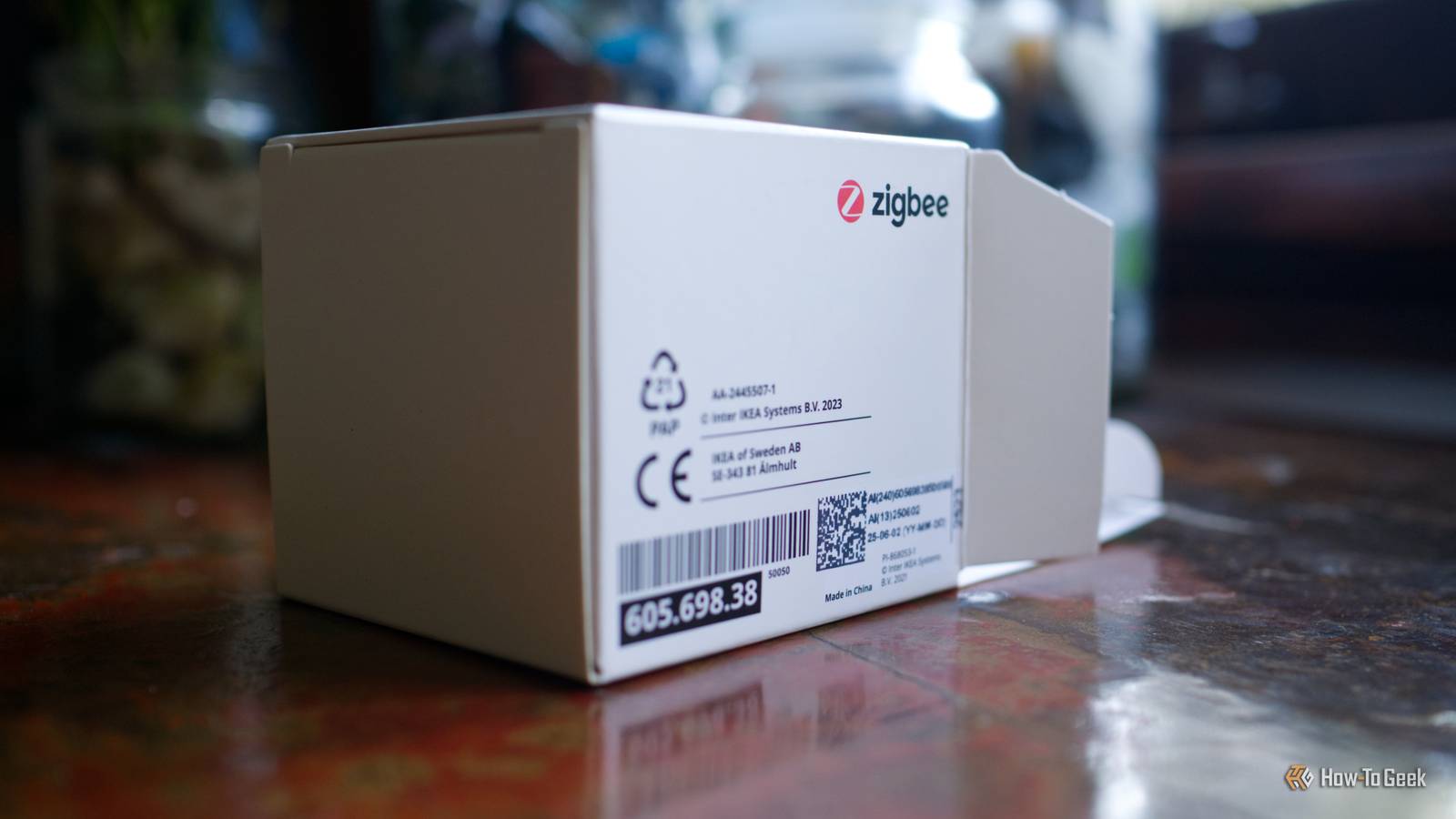
Some brands of smart devices can be bound so that they do not need a hub. For example, IKEA’s Tretakt plug can be bound to a Rodret remote by holding the pairing button down while within range until the light flashes.
Schedule regular reboots
My TP-Link Archer AX72 modem includes a “Reboot schedule” that restarts the modem at a time of my choosing. I don’t use this, mostly because I’ve got a smart home to do the heavy lifting. My router is only around a year old, so I’m hoping to get a bit more life out of it before it starts routinely giving up the ghost.

That said, there are some good arguments to be made for routinely restarting your router. If you find that your router routinely crashes, a weekly restart might be the remedy you need until you get around to replacing it.
You can schedule this basic functionality with most smart home platforms. Home Assistant makes it easy with its advanced automations, but you can get around the limited automation possibilities in a platform like Apple Home by creating two automations (one to turn the plug off, another to turn it on, a minute apart) provided you’re using Thread and not Wi-Fi.
Go one better and reboot automatically
By far the best solution is to only restart your router when you need to. You can use Home Assistant to monitor your home internet connection and only initiate a restart after a set period of no connectivity. Check out our full guide on how to do this.
Amazon, Google, and Apple’s smart home platforms lack the ability to create these kinds of complex automations. Some smart plugs may connect to an ecosystem-dependent app that allows them to be programmed, but that’ll depend on exactly what you’ve got.
If you’re looking for another solution, why not give the Keep Connect network equipment smart plug a whirl. It’s a purpose-built device that only cuts power to your network equipment when the internet connection goes down.
Rebooting your router can solve all manner of network problems, but you should really look at replacing network equipment that is constantly letting you down. Check out our top picks for routers.
