

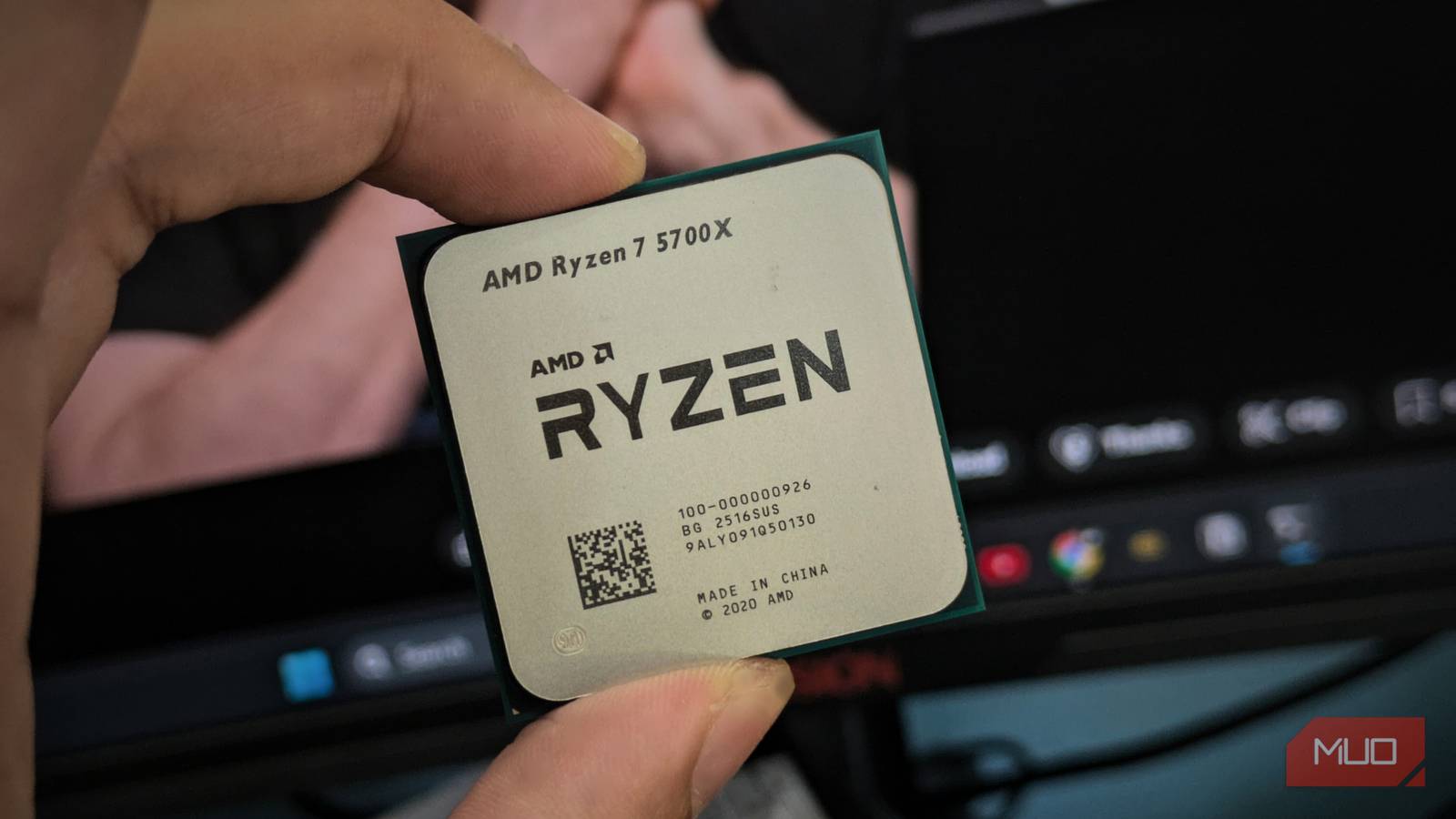
Your AMD Ryzen processor almost certainly isn’t running as fast as it could, and the fix is a single BIOS toggle you’ve likely never touched. Precision Boost Overdrive (PBO) is one of several BIOS settings that can hold back your CPU’s full potential. It lets your CPU push past its default power limits to boost for longer, yet most motherboards ship with it disabled.
I’ve had PBO enabled on my Ryzen processor for a while now, and I think leaving it off is a waste of perfectly good performance. It’s free headroom that your chip already supports, and I see no reason to leave it on the table for CPU-intensive tasks.

8 ways to fix slow boot times in Windows 11 and 10
You shouldn’t be able to brew coffee while you wait for your PC to boot.
Enabling PBO gave my Ryzen 7 7700 a fair boost
It’s not a manual overclock, but it lets your CPU do more
Every Ryzen chip already uses Precision Boost 2 to dynamically adjust clock speeds based on temperature, power draw, and workload. PBO further raises the motherboard’s power-delivery limits (PPT, TDC, and EDC), giving the CPU more electrical headroom to sustain higher boost clocks for longer. It’s not a manual overclock. AMD’s algorithm still controls everything; PBO just loosens the leash.
On my processor, the difference was modest but consistent. Multi-core workloads, such as rendering, compiling, and heavy multitasking, showed the most improvement with 7-10% gains, as the chip could maintain its boost clocks rather than back off when it hit the default power ceiling. Single-core performance improved too, though by a smaller margin since light workloads rarely bump into power limits to begin with.
I want to be clear. PBO won’t make your PC feel like a different machine. If you’re mostly browsing and streaming, you probably won’t notice much. However, if you do anything that loads all your cores for sustained periods, you’re leaving measurable performance behind for no good reason.
PBO is generally safer than a traditional manual overclock because it raises power and current limits within AMD’s boost algorithm and built‑in safeguards. Meanwhile, it can still increase temperatures, power draw, and long‑term component stress, so it’s not completely risk‑free.
Here’s how to enable PBO in your BIOS
The setting is easy to find once you know where to look
The exact steps vary by motherboard manufacturer, but the process is straightforward. On my ASUS PRIME A620M-E, PBO is accessible right from the EZ Mode screen. Some brands bury it a layer or two deeper, but it’s never more than a few clicks away.
Here’s how I enabled it on my ASUS board:
- Restart your PC and press Delete or F2 during boot to enter the BIOS.
- In EZ Mode, find the EZ System Tuning panel on the right side of the screen — it defaults to Normal.
- Click the arrows to cycle to PBO Enhancement and press F10 to save and exit.
For more control, switch to Advanced Mode by pressing F7 and navigate to Ai Tweaker > Precision Boost Overdrive. You’ll see a dropdown with six options: Auto, Disabled, Enabled, Enhancement, Manual, and AMD Eco Mode. Selecting Enabled lets PBO run with the motherboard’s automatic limits, while Enhancement applies a more aggressive preset with a thermal limit of 90°C. MSI and Gigabyte boards use different menu paths, but the options are similar.
You can also toggle PBO in AMD’s Ryzen Master on Windows, but I’d avoid it; the BIOS is the more reliable option here.
PBO works best when your cooling keeps up
Your cooler determines how much performance PBO can actually deliver

More power means more heat, and that’s the tradeoff. PBO raises your CPU’s power consumption under load, and your cooler needs to keep up. Ryzen 7000 series chips are designed with a Tjmax of around 95°C for many models; this is the maximum safe operating temperature under heavy load, rather than a universal fixed limit for every processor. Hitting the high 80s under sustained load with PBO enabled is perfectly normal. But if your temperatures are constantly brushing against that ceiling, the CPU will throttle itself and negate the gains you’re after.
I’d recommend monitoring your thermals with HWiNFO after enabling PBO. Run a demanding workload, such as a Cinebench pass or a long rendering task, and watch where your temperatures settle. If they stay in the low-to-mid 80s, you’re in good shape.
If you’re using a stock CPU cooler, PBO will still function, but don’t expect much. It barely handles the default power limits as is, so PBO won’t have much room to work with. A decent tower cooler or a budget AIO opens things up considerably — and the cost is well worth it given that PBO’s performance ceiling is directly tied to your thermal headroom.
PBO is a good starting point
There’s more performance hiding in your BIOS settings
PBO and Curve Optimizer aren’t the only settings worth exploring. Your BIOS likely has EXPO/XMP profiles for your RAM sitting disabled, and Resizable BAR, which can improve GPU performance, might be off, too. Most people install their hardware, boot into Windows, and never look back. But spending ten minutes in your BIOS can unlock performance you’ve already paid for. If you’re comfortable enabling PBO, you’re well-positioned to check what else your motherboard is holding back.
