

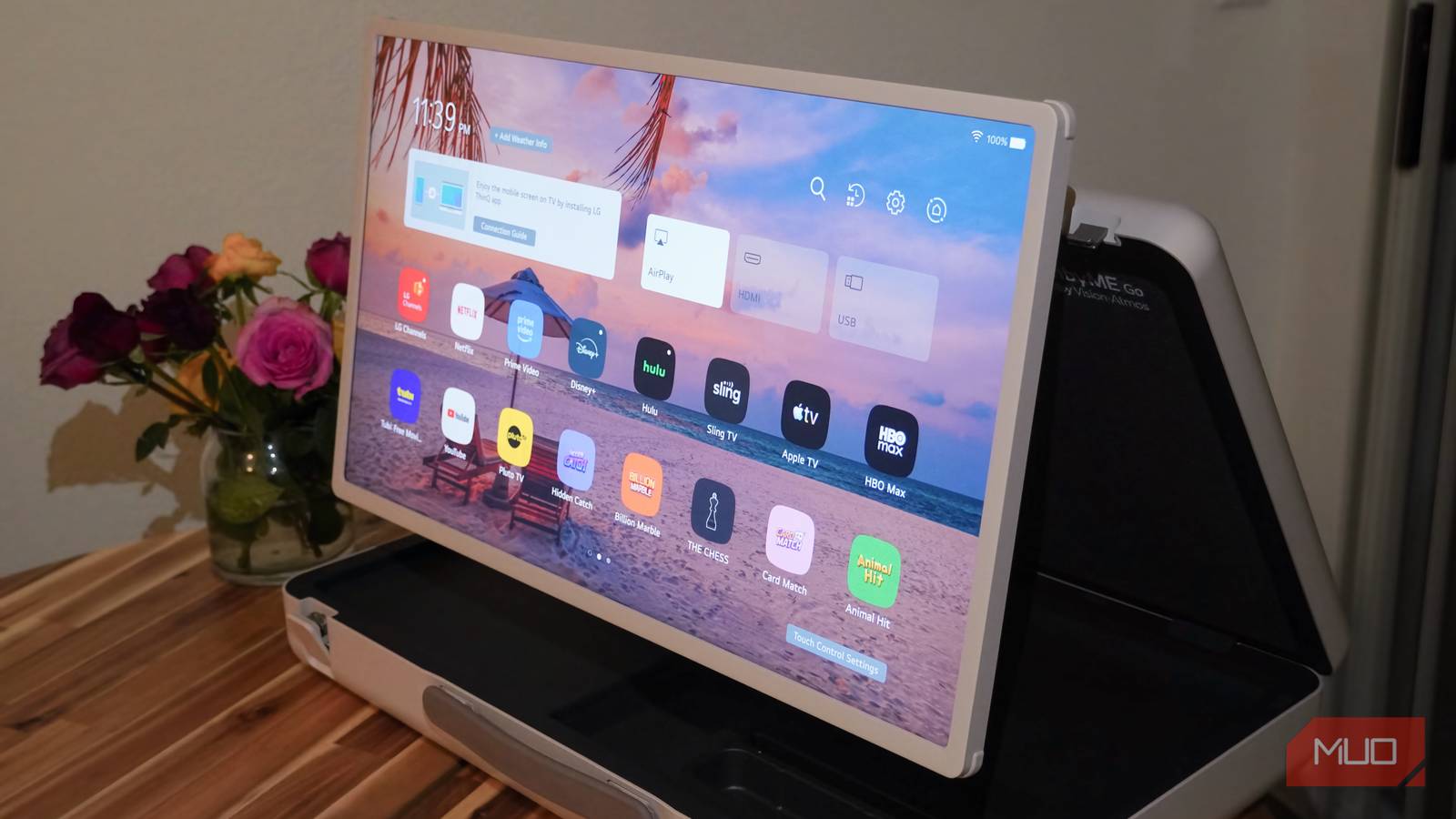
Wi-Fi networks in many homes are strained by bandwidth, interference, and range limits. Theoretically, modern wireless networking standards like Wi-Fi 6E or Wi-Fi 7 can match wired Ethernet speeds, but those theoretical ratings are almost impossible to replicate in the real world. That’s why, with tens of Wi-Fi devices connected to my home network at any given time, I’ve gone all-in on wired networking wherever possible. The biggest bandwidth hog might be your smart TV, and I took mine out of the mix by adding an Ethernet connection.
You could use the Ethernet port on your smart TV, but I’ve gone a different route. I added a streaming box with a Gigabit Ethernet jack to my living room TV setup years ago, and it hasn’t failed me yet. Aside from offering faster speeds than my TV could match over Wi-Fi or Ethernet, my Apple TV 4K also replaces the sluggish operating system built into my Samsung and LG smart TVs. This method also eliminates unwanted tracking or ads while improving the performance of my smart home. While I’m using an Apple TV 4K, anyone outside the Apple ecosystem will be happy to learn that Google’s TV Streamer has a Gigabit Ethernet jack, too.
Wi-Fi is all you need — until it isn’t
High-quality streaming is enough to stress even the best wireless setups

Wi-Fi is sufficient for many tasks these days, especially if your home network supports fast internet speeds, with the right router or mesh system to deliver them. Video streaming is still one of the few internet activities that can cause a home network bottleneck. Streaming a 4K video requires at least 25Mbps of bandwidth, with 50Mbps or more recommended for the most reliable and stable experience. Your network needs to provide that amount of speed consistently throughout your stream. If it falls short, you’ll run into buffering, skips, out-of-sync audio and video, or a slew of other streaming problems.
The average Wi-Fi network can handle between 25Mbps and 50Mbps of streaming bandwidth, but again, that’s in ideal conditions. Let’s say you have a total network bandwidth of 200Mbps to 300Mbps — if you’re in a household of five and everyone is streaming video on their devices at once, you’re nearing your bandwidth cap. Add in computers, smart home devices, and gaming consoles, and it’s easy to strain your home Wi-Fi network. A constant 25Mbps stream comes out to nearly 10 gigabytes of data used hourly, which is significant.
That’s without factoring in Wi-Fi network range issues and possible physical interference, such as from walls or ceilings. Pulling your smart TV off your wireless network reduces congestion and allows every device to perform better. Your video streams will be stable, without buffers or quality loss, due to the wired Ethernet connection’s reliability. Every other Wi-Fi device in your home now has more wireless bandwidth to work with as a result.

I added extra Gigabit Ethernet ports to my Google Nest Wi-Fi Pro with this cheap accessory
I use a simple unmanaged switch to expand my wired Ethernet access without complicating my home network.
I only buy streaming and gaming devices with Ethernet
Faster speeds and reliable connections are just the beginning
There’s just one problem with using your smart TV with an Ethernet connection to its onboard jack. Most models, including premium smart TVs, have Ethernet jacks that are limited to 100Mbps speeds. In that case, anyone with a Gigabit network may be leaving extra speed and bandwidth on the table while using their smart TV’s built-in Ethernet jack.
While the benefits and stability of a wired network remain, the maximum speeds lag behind modern Wi-Fi capabilities. A TV’s 100Mbps Ethernet jack will be good enough for consistent streaming, but it isn’t as advantageous for downloading movies or games, controlling your smart home, or installing updates. Want to use a game streaming service like Nvidia GeForce Now or Xbox Game Pass? Forget about it.

The solution is to hook up your TV’s input devices to Ethernet rather than the television itself. If you have a cable set-top box, use a coaxial cable or Ethernet cable rather than rely on Wi-Fi. Pick a streaming box with an Ethernet jack and move your gaming console off your Wi-Fi network, too. By doing so, you’ll get the experience of using a TV with wired networking without losing out on potentially faster speeds.
I love using an Ethernet connection for my TV inputs for reasons that extend far beyond speed and bandwidth alone. Typing in a Wi-Fi network password on a streaming box or gaming console is incredibly frustrating and time-consuming, and a wired Ethernet cable eliminates those logins. If I need to add a new device to my setup temporarily, I can move Ethernet cables around to reduce setup times.
The benefits extend into my smart home
If you’re using a streaming box as a home hub, Ethernet is a must

Anyone with an expansive smart home ecosystem needs to consider which devices use Wi-Fi, because each accessory adds congestion to your network. A streaming box does more than just serve up your favorite digital content. It also works as a smart home hub using the Matter and Thread protocols. Both the Apple TV 4K and Google TV Streamer double as a Matter Hub and Thread Border Router.
With these TV inputs in your portfolio, you can control smart home devices using a mesh network with either cloud-based or local features. If you’re using an Apple TV 4K or Google TV Streamer as a smart home controller, that’s even more of a reason to connect it to your network via Ethernet. It will enable quick and reliable smart home automations and requests alongside all the work it is doing as a streaming and entertainment device.
That’s the theme here — your smart TV, input devices, and Wi-Fi network at large does more than you realize. Streaming a 4K video in 2026 might seem like a basic action, but it’s more complicated than that. With a Wi-Fi network facing congestion, latency, and speed limits, Ethernet becomes an attractive alternative. Instead of using a low-speed Ethernet jack on my TV, I’ve invested in input devices that make the most of my Gigabit network.
