

Desktop environments can make or break your overall Linux experience, irrespective of the variant you’re going to use. Personal preferences matter, and this is the very same conundrum I ran into when I decided to stick to Arch Linux.
With so many options available, keeping track of it all can be quite a mess. I tried out a total of three desktop environments — GNOME, COSMIC and KDE Plasma, and after extensively playing around with all three, I think that I finally have a winner, even if it also has its own share of quirks.
I replaced GNOME with the new COSMIC, and it feels like the future of Linux
It’s fast, furious, and somewhat bonkers, but it gets the job done.
GNOME
Not ideal for me

Like most first-time Linux users, I began my journey with Ubuntu as my distribution of choice. Ubuntu also happens to use GNOME as its default desktop environment, but with a handful of tweaks of its own. This isn’t indicative of the “vanilla” GNOME experience, and I was running into issues with the distribution, so I went on to switch over to something that’s a bit more up-to-date.
Enter Fedora Linux, a very popular and well-supported Linux distribution that ships with GNOME as its flagship desktop environment. This is GNOME at its best, with the extensibility of its various add-ons.
Even with all those features, there was something about the GNOME desktop that never really clicked with me. Perhaps it was the overreliance on extensions, the strange defaults or a very rigid design philosophy — I kind of outgrew GNOME and had set my sights set on something a bit more customizable.
KDE
Just right
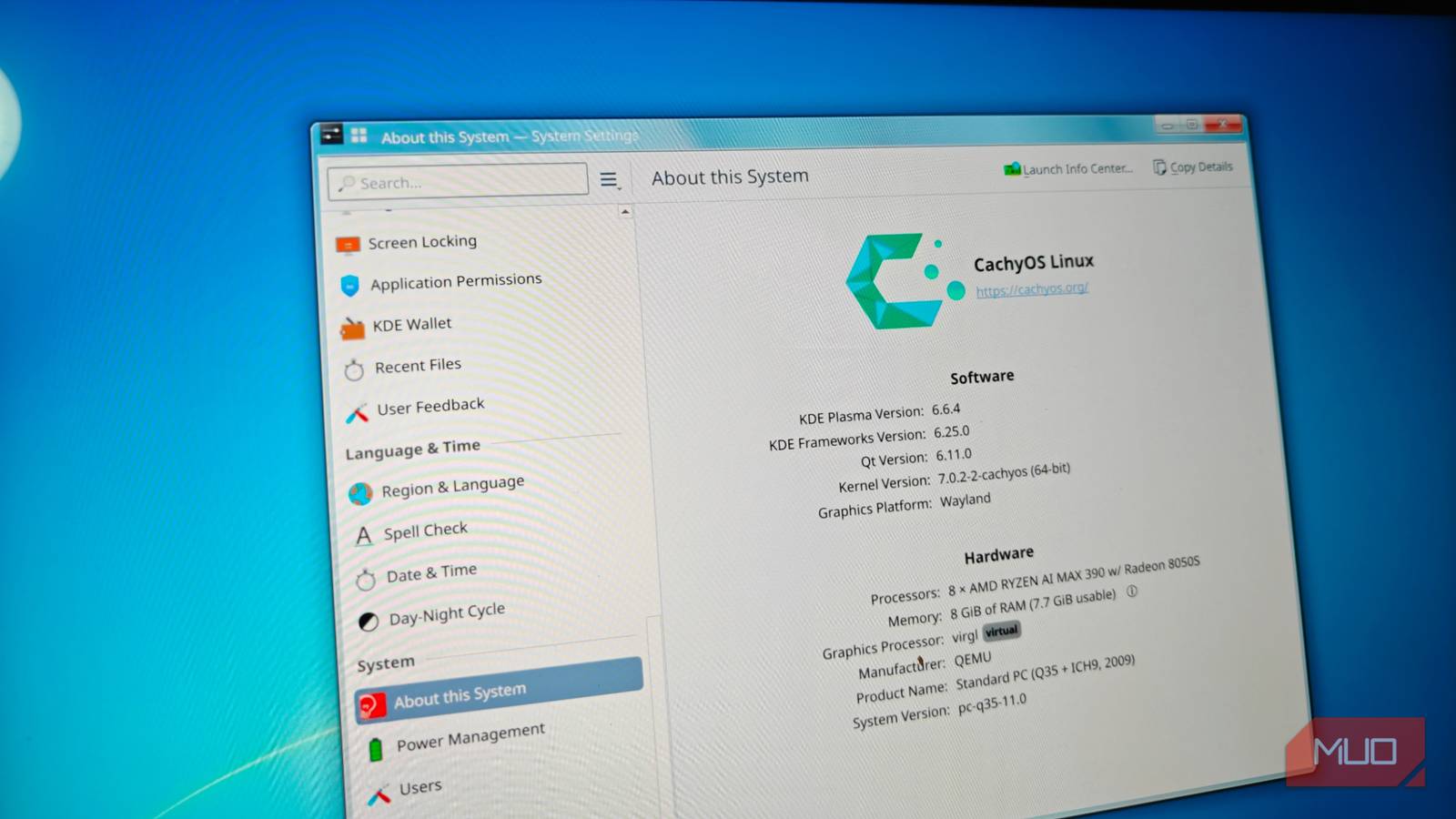
After trying my hand at Fedora, I did what most folks do — jump to another distribution. I settled on Arch Linux as my next pick (after trying CachyOS for a bit), and chose KDE as my desktop environment of choice, after a grueling initial set up.
Installing Plasma was easy, and setting it up even more so. Most of KDE’s options and customizability are baked into the system menus, in addition to having a fully featured store for themes.
Plasma’s strength lies in its customizability, and there are a ton of wacky themes out there. It also had the advantage of being closer to a traditional Windows layout, and having grown up with Windows in my younger years, KDE’s layout just seemed a lot more natural to me.
KDE was pretty much the answer to all of my woes, and there finally was a desktop environment that seemed to hit all checkboxes. Of course, DE’s are very much a personal choice, and it’s perfectly okay to use anything else.
I did eventually get bored with KDE, and decided to experiment with more options, including a few tiling window managers, before moving on to COSMIC next.
COSMIC
Needs a bit more time in the oven

After dabbling in tiling window managers for a bit, I yearned for the stability of a desktop environment, and the simplicity of floating windows. System76’s COSMIC desktop seemed like the perfect solution to all of my problems.
Like GNOME, it has a very robust, simple but elegant desktop, which has status bars, a dock and most importantly, a way to toggle tiling on or off per workspace. This lets me enable tiling on one monitor, while keeping my secondary display restricted to only floating windows for maximum productivity.
Built using Rust, COSMIC does target rock-solid stability. And it has been mostly alright in my experience. However, COSMIC is nowhere near as feature rich as something like KDE or even GNOME.
Critical features such as HDR are missing, and parts of the user interface just seem to lack a lot of visual polish. All things considered, though, COSMIC is shaping up to be quite an interesting desktop environment — once it is ready.
For now, I have turned my sights back to KDE, which remains the primary driver on one of my laptops.
Nothing’s really perfect
I wouldn’t say that KDE is a perfect solution either. It does a lot of things right, mind you, but if there’s one thing KDE lacks in its tiling solutions. Sure, the snap-to-tile option is serviceable, but it is nowhere close to being as good as the auto-tiling offered by something like Niri.
KDE also pulls in a lot of dependencies, and I like to keep my installations minimal. Which is why I ultimately ventured into tiling window managers, but I do often yearn for a proper desktop environment.
COSMIC got real close, but it’s just not there yet. Until then, I’ll keep using KDE as my daily driver.
