

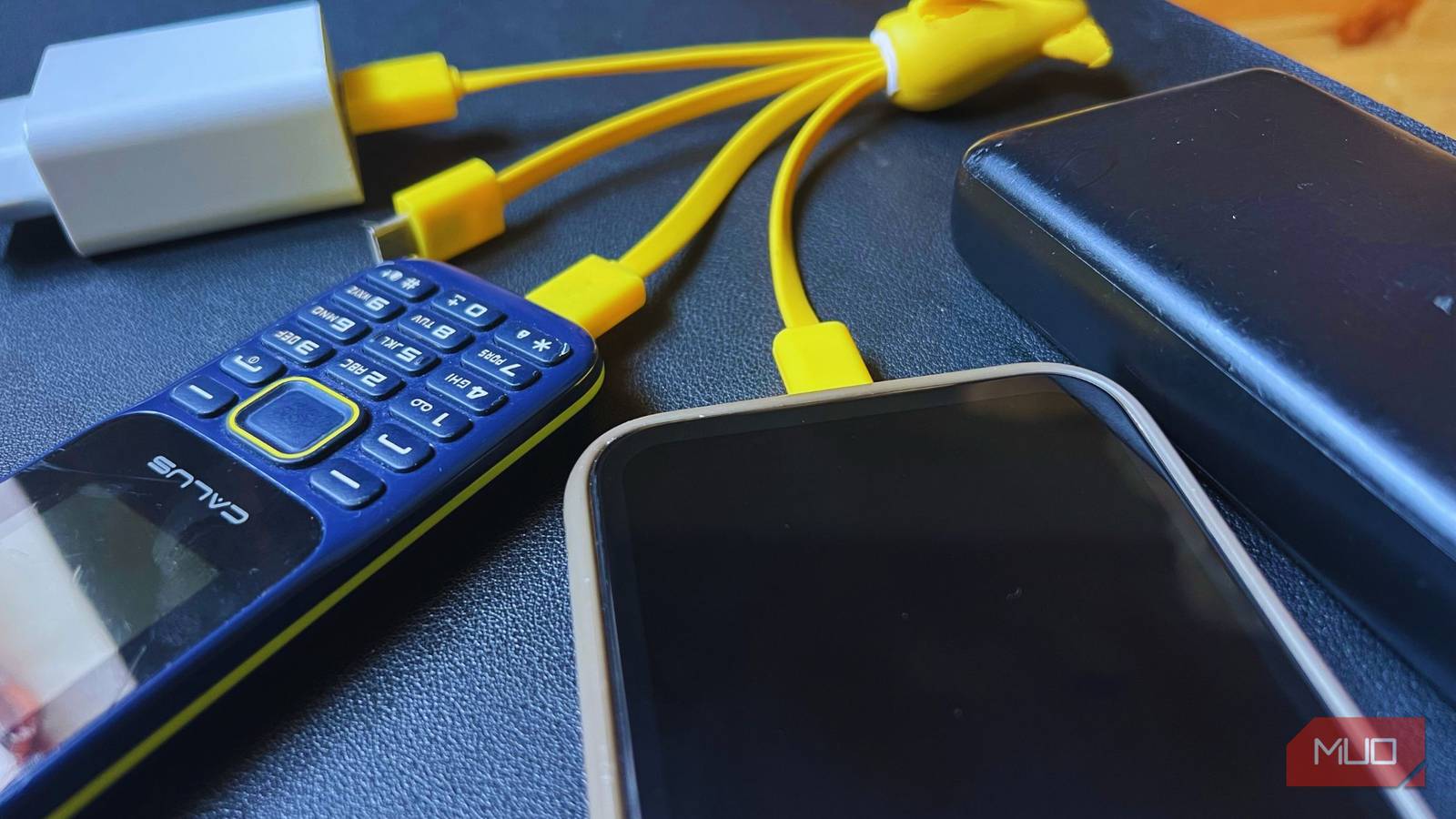
Modern smartphones charge superfast. Long gone are the days when you had your phone hooked up for 5–6 hours on end waiting for it to fully charge. Flagship models these days, like the Samsung S26 Ultra, take less than 50 minutes to charge from 0–100%. Unfortunately, not everyone may be enjoying these fast charging speeds because they are only made possible due to newer charging protocols and high-wattage chargers.
The worst part is that manufacturers have also stopped shipping chargers, and I ended up using my old Apple charger to juice up my iPhone 14, unaware that its charging speed was being limited. Most of you might also be inadvertently slow-charging your phone like me. Here’s what you need to learn before picking up a new one to ensure it’s fast-charging compatible with your phone.
I Thought All Chargers Were the Same—Then I Learned These 6 Crucial Differences
If you want to fast-charge your devices, you need to make sure you’re using the right charger!
What do the numbers on your charger mean?
Your fast-charger may be falsely advertised

Specifications for your charger matter a lot, and they’re unfortunately the most overlooked part. The specification numbers are printed minimally on chargers, so I understand why one may overlook them. In reality, these same numbers determine whether your device will fast-charge. Usually, the specifications consist of three numbers: Voltage (Volts), Current (Amperes), and Power (Wattage).
Voltage is the force pushing the electricity, whereas current is the rate at which electricity flows. Wattage is the total power, measured by combining the previous two values. Wattage, the total charging speed, is calculated as V × A.
Charging cables have long evolved from bricks with inseparable cables rated for single-watt models. USB-A was later replaced by USB-C, which became a standardized connector across all devices, but that same unification created an illusion of uniformity. The majority of the devices were held back from their true charging potential. Fast-forward to the 2020s, USB-C is the newer standard and is the all-in-one answer for charging and data transfer for your phone or even your laptop, with USB PD 3.1 supporting power up to 240W.
If you have a USB-C charger, you might be asking why your phone is still charging slowly. Well, to answer that question, newer smartphones have higher wattage, and your year-old USB-C charger may not be up to par. The same goes for the Lightning cable for the iPhones (iPhone 14 and below).
Now, all you need to do is get a new charging brick, one with a wattage ideally higher or the same as rated for your phone. To check your phone’s max wattage, head over to its manufacturer’s site or GSMArena for detailed information. For reference, 10W is slow charging, whereas fast charging starts at 18W, all the way up to more than 100W in some cases.
Sometimes, it’s your charging wire holding back your charger
The real bottleneck is often overlooked
Now that you know which brick to get, as rated by your phone’s max wattage, you also need to pay attention to the charging cable you’re using. All cables, no matter the type: USB-C or Lightning, look identical, but in reality, their quality matters a lot too. Usually, modern USB-C cables are rated at either 3A or 5A, while older ones start at 0.9A-2.4A.
Think of these cables as the negotiator between the charging brick and the phone — a low-quality cable wouldn’t be able to carry adequate current over to the phone if it’s not rated for the phone. Some manufacturers have special fast-charging protocols; e.g., Samsung uses USB-PD (USB Power Delivery) alongside its proprietary PPS (Programmable Power Supply), and OPPO uses VOOC (Voltage Open Loop Multi-step Constant-Current Charging).
For higher wattage, there are special cables for higher current that work with specific fast-charging protocols. So, even if you have a charging brick that’s rated at 120W, your cable could dramatically reduce the output if it doesn’t match the required current. When choosing the cable, match it to your phone’s maximum capacity and look up the protocol it uses on the manufacturer’s website or at GSMArena.
If you’re buying a new charger, skip the outdated silicon models
GaN’s the future

Now, since we’re on the topic of buying a new charger, let me introduce you to GaN chargers for those not familiar. Currently, silicon chargers are the standard: they’re inefficient, take up loads of space and run hot. GaN chargers are made of gallium nitride, an advanced semiconductor material that is superior to silicon in every possible way for charging purposes.
GaN chargers generate less heat, are more efficient, and are more compact compared to silicon chargers. In fact, you could fit a 120W GaN charger in your pocket, making it the perfect option whether you travel a lot or not; it sits on your desk better and frees up space. The best part is that a high-wattage GaN charger has multiple ports, so you can charge all the devices you have.
In fact, I use a GaN charger with my MacBook M4 Air, iPhone 14, and accessories, including my headphones. GaN chargers aren’t even expensive, starting at around $25, and they come with multiple ports that will charge all your devices.
You may be ruining your charging speed and your battery life
If you’re using a cheap and incompatible charger, you’re doing more than just slow-charging your phone. Using cheap, unregulated chargers can shorten your battery life due to high voltage stress and heat. Even when looking out for a new charger, ensure that you’re buying it from a reputable brand, not a cheap knockoff version.
