

Claude Code is an absolutely amazing tool, even if you’re not a developer. But there are a ton of things Claude Pro subscribers never end up trying.
One of those things is using the ability to spawn multiple subagents at once to complete your task, and it’s a complete game changer.

Someone left Claude Code running overnight, and it cost $6,000
Claude Code worked overtime and billed like a senior consultant.
Stop treating Claude Code like a single worker
Build an entire team!

The way most people use Claude Code looks like this: open a terminal, give it a task, watch it read files and make changes, wait for it to finish, then give it the next thing. One agent, one job, sequential from start to finish.
This works fine for most things. But it has a ceiling, and the ceiling shows up the moment you are working on anything with real moving parts. Building a new feature while tests need writing. Refactoring a module while documentation needs updating. Exploring a codebase from three different angles to understand how something is wired together. In the single-session model, all of that is a queue. Everything waits.
The other problem is context. As a single session runs longer, the context window fills up with everything: file contents, intermediate reasoning, search results, decisions made two hours ago. The model’s attention degrades as the thread gets longer. Quality drops, subtly at first and then noticeably.
Subagents solve both of these problems at the same time. Instead of one agent doing everything, your main session becomes a coordinator. It breaks the work into pieces, delegates each piece to a subagent, and each subagent runs in its own isolated context window with its own focused job. They can run in parallel. When they finish, the main session picks up their results and carries on.
The main session stays sharp because it never gets bloated. The subagents stay sharp because each one only ever knows about its own narrow task. And the whole thing goes faster because none of them are waiting in a queue.
How to set up subagents
Use AI to create… AI
This is easier than it sounds. There is no special flag to pass or configuration file to hunt down. Subagents in Claude Code are just Markdown files sitting in a folder.
You have two places to put them. ~/.claude/agents/ is global, meaning any Claude Code session on your machine can use whatever agents live there. .claude/agents/ inside a specific project is local to that project, which is useful if you want agents that are committed to the repo and shared with your team.
Each agent is a single Markdown file with a YAML frontmatter block at the top and a system prompt in the body. Here is what an extremely basic one looks like:
---
name: swift-engineer
description: Use this agent when SwiftUI views or Swift networking code needs to be written. Invoke for any iOS screen, ViewModel, or async/await networking work.
model: claude-sonnet-4-6
tools: Read, Write, Glob
---You are a senior iOS engineer writing Swift only. Follow MVVM strictly: views are dumb, logic lives in ViewModels, all network calls use async/await.
Before writing anything, read the existing project structure with Glob and match whatever conventions are already in place. Return a list of every file you created or modified.
The name is how you and Claude refer to it. The description is the part that actually matters for how the main agent decides when to use it. Write the description like a routing rule, specific about when to invoke it and what it gives back. Vague descriptions get vague routing. “Use this agent when…” followed by a specific condition is the pattern that works.

ChatGPT’s decline is real — I tested it against Claude on 3 routine tasks, and it lost every time
What happened, ChatGPT? We used to be cool.
The tools field is an allowlist. A test-writer probably does not need to delete files. A code reviewer probably should not have write access at all. Locking tools per agent is one of the more useful things you can do here for security and sanity reasons.
If you would rather not write the file by hand, Claude Code has a /agents command that opens an interactive manager. You describe what you want, Claude writes the agent config for you, and you pick which scope to save it at. The descriptions it produces tend to be better than what most people write manually on the first try.
Now you can just ask Claude to do something the agent is built for, and it will route automatically if the description is specific enough.
For parallel work, the prompt to the main agent is straightforward. Something like:
I'm building an iOS app with a Swift frontend and a Swift Vapor backend.Spawn three subagents in parallel:
1. Use the swift-engineer subagent. Build the SwiftUI login screen and dashboard.
2. Use the backend-engineer subagent. Build Vapor API endpoints for /auth/login
3. Use the test-writer subagent. Write tests for the API endpoints and Swift ViewModels.
Each subagent runs concurrently, in its own context, reporting back independently. The main session resumes when all three finish. What would have been three sequential searches with an increasingly bloated context thread is now three clean isolated workers running at the same time.
It makes sense for a lot of tasks
Get better work done, faster

Not everything benefits from subagents. Using three agents to rename a variable is not a good use of anyone’s time or tokens. The token cost is real: subagent-heavy workflows can use a LOT more tokens than a single-session approach on the same work. Sometimes more. That trade-off is absolutely worth making, but only in the right situations.
Codebase exploration is the clearest win when pairing it with an editor. When you need to understand how something works across a large project, you are essentially running multiple searches from different angles. A subagent for each angle, all running at once, with each one reading whatever it needs to read in its own context and returning a focused summary.
Test coverage is the other one I keep coming back to. Writing tests is parallelisable almost by definition. One subagent per module, each writing coverage independently, none of them waiting on the others.

Claude Design built me the best slides I’ve ever had and then locked me out for a week
Claude Design simply outperforms every other AI tool I’ve tested for presentations, but it’s not cheap.
It takes some practice to get used to
The pattern that ties all of this together is independence. If two pieces of work need to share state or one depends on the output of the other, they belong on the main thread. If they can run without knowing about each other, they are candidates for subagents. That line is usually pretty clear once you are looking for it.
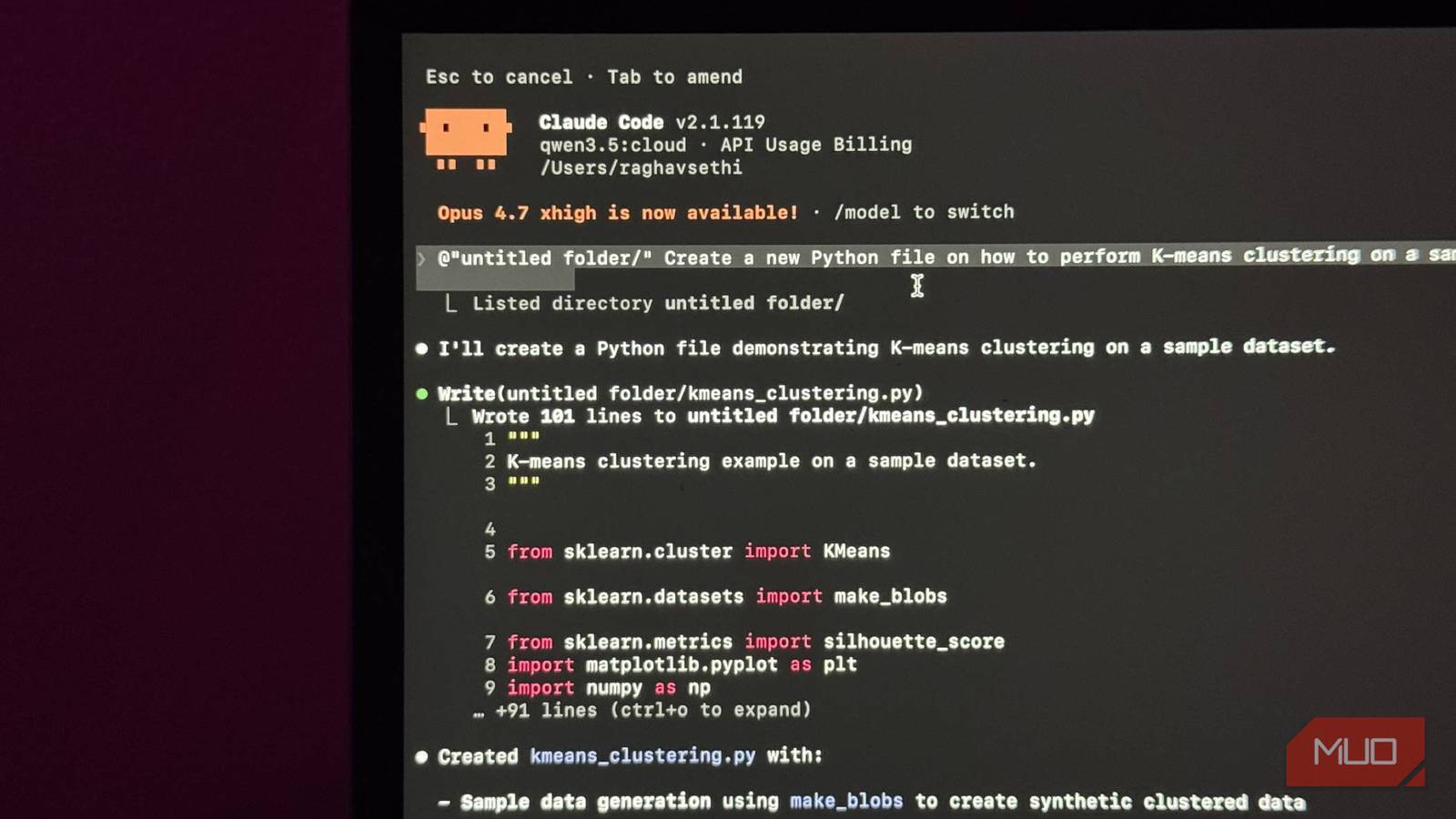
There is one problem with this approach though, and that is token usage. Using multiple agents at once BURNS through your tokens but fear not. You can also use Claude Code for free by pairing it with a local LLM, meaning you will never run out of tokens.
