

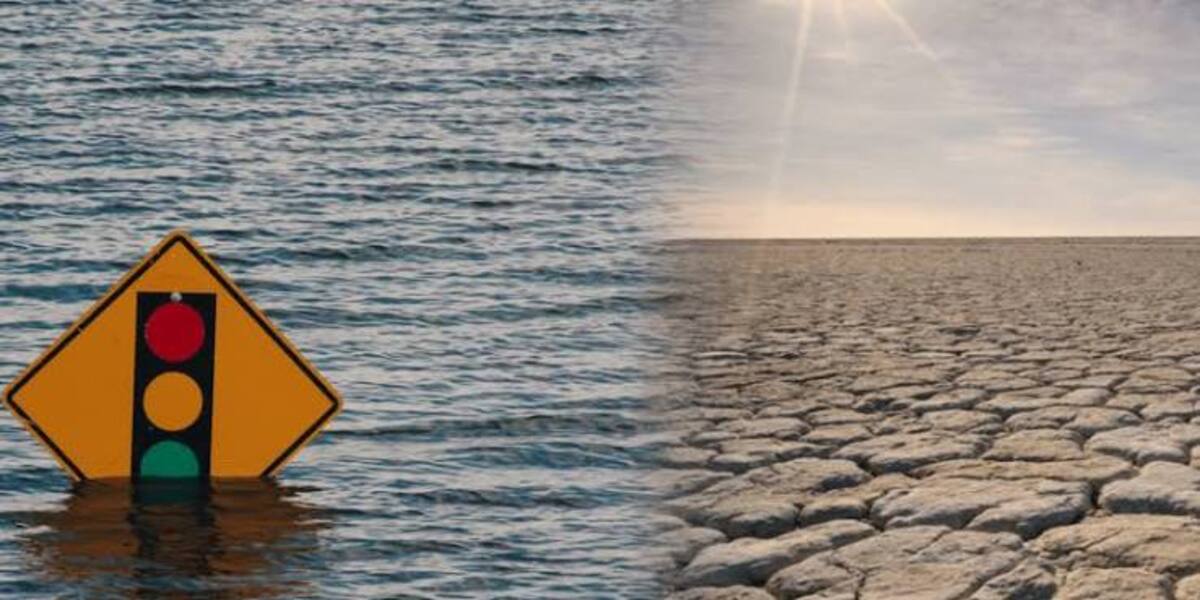
As Nigeria prepares for a very strong El Niño, the smartphone in your pocket, the power bank in your bag, and the rechargeable fan in your room could matter more than usual. With forecasts pointing to higher temperatures and changing rainfall patterns, the right technology can help people receive weather warnings, stay in touch and cope with power cuts.
The World Meteorological Organisation (WMO) has warned that the developing El Niño could become very strong and continue into 2027. In Nigeria, the Nigerian Meteorological Agency (NiMet) has warned of higher-than-normal temperatures, heat stress, irregular rainfall, prolonged dry spells and heat-related illnesses.
A projection by the University of Chicago’s Climate Impact Lab estimates that Nigeria could record about 31,400 additional heat-related deaths between September and February. It is a modelled estimate, not a confirmed toll, and NiMet has not independently corroborated it. Meanwhile, HumAngle reported that the national electricity grid collapsed during the heatwave that followed the last strong El Niño. Another spell of extreme heat with power cuts could leave households without fans, lighting and reliable information when they need them most.
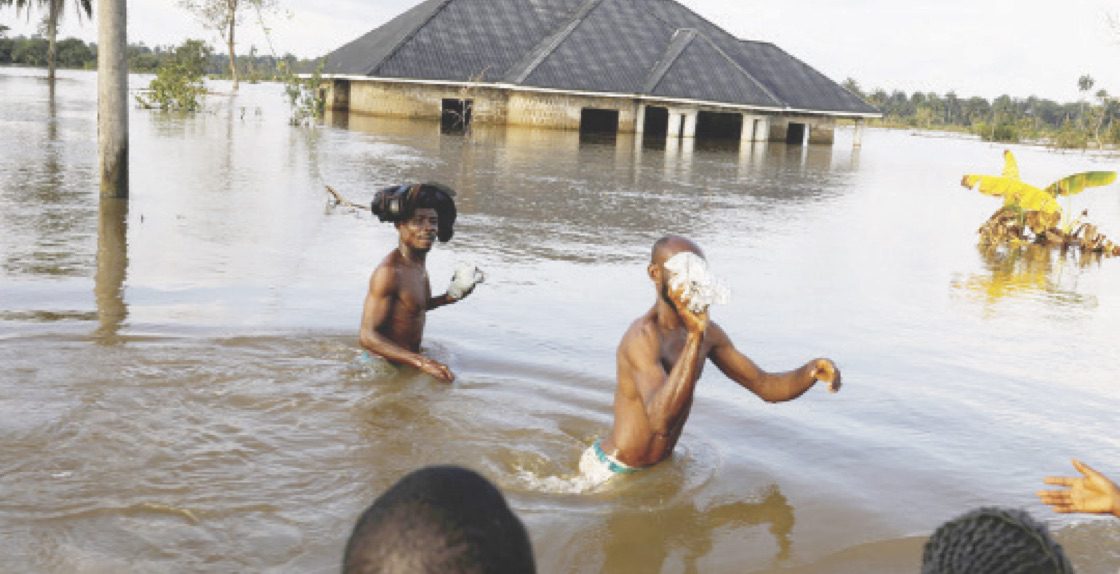
No gadget can prevent a heatwave, stop a flood or guarantee electricity. Everyday technology can, however, help people prepare and respond. Some of the most useful tools may already be within reach.
Your phone can warn you before the weather turns dangerous
A smartphone can be an important source of information during extreme weather, but only if the information it receives is reliable.
The NiMet mobile application is one of the official tools Nigerians can use. It provides weather information and alerts, air quality ratings and daily outlooks across four sections: Home, Products, Alerts and Profile. Its Products section lists six services, including seasonal rainfall predictions, aviation weather reports, maps, marine forecasts and temperature forecasts.
Technext’s review found gaps in some of the most relevant features. The application worked and offered English, Hausa, Igbo and Yoruba, but the seasonal rainfall prediction and temperature forecast tools did not work during testing. The other listed services were accessible. The maps section covered malaria and meningitis and also offered a dedicated heat-risk map. That increases its value for people who want a visual guide to areas facing heat-related health risks.
The agency also publishes daily weather outlooks on Facebook, Instagram and X. Technext could not find an official WhatsApp channel or TikTok presence, and the outlook it examined did not mention El Niño.
These gaps make it unwise to depend on a single source. Follow NiMet’s official accounts and website, compare updates with other credible sources, switch on notifications and check forecasts before long journeys or outdoor plans.
Also read: Google introduces AI-powered weather forecasts on Search across Africa
The National Emergency Management Agency (NEMA) also shares disaster-related updates through its website and social media channels. Following them can provide information when severe weather threatens communities.
A warning only helps if people can act on it, so Technext also tested the national 112 emergency number and NEMA’s toll-free line, 0800-CALL-NEMA (0800 2255 6362). The calls were repeated on Airtel, Glo and MTN, with no consistent successful response.
On Airtel, the 112 call connected, but nobody answered before a voice laughed, said the caller had been seen and ended the call. The NEMA line rang and was answered for about 10 seconds without the responder saying anything. On Glo, both numbers were flagged as non-existent, and on MTN, neither connected.
These results reflect Technext’s own attempts and do not establish how the lines perform for every caller or location. Until they can be relied on, save the numbers of your state emergency management agency, nearby hospitals and other responders instead of depending on one line.
The technology that can help you cope with extreme heat during El Niño
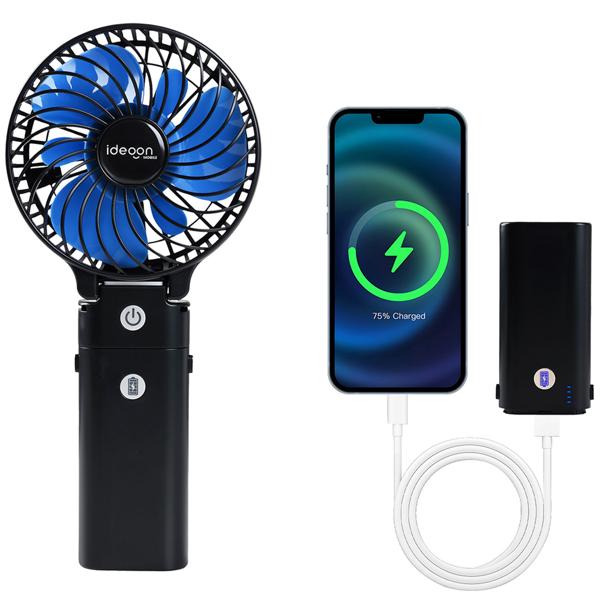
When temperatures rise, cooling, drinking water, and timely health information matter most. Some affordable devices can help, especially when electricity is unreliable.
A rechargeable fan is one of the more practical options. Unlike a conventional fan, a battery-powered model keeps working during power cuts, and many can be recharged from a power bank through a USB connection. Check battery capacity and the manufacturer’s stated runtime before buying. Runtime depends on the speed setting, so a fan advertised as lasting eight hours may run for only a few hours at full power.
The World Health Organisation (WHO) advises using electric fans only when temperatures are below 40°C, because above that, they can raise body temperature. That matters in the north: HumAngle reported that Maiduguri peaked at 45.9°C in May 2024. A rechargeable fan is not a complete answer to dangerous indoor heat. Moving to a cooler place and seeking medical help remain important.
A digital room thermometer shows how hot an indoor space really gets, which weather apps do not report. That helps households decide when to move somewhere cooler, improve ventilation or cut activities that add heat.
Smartwatches and fitness bands offer another layer of monitoring. Depending on the model, they can track heart rate, activity and sometimes skin temperature, and some let users set alerts for unusually high or low heart rates. They are not heatstroke detectors or diagnostic tools, and their readings do not replace a clinical assessment.
Phones can also support simple routines. Recurring alarms can remind you to drink water, take breaks from outdoor activity or check on relatives who are more vulnerable to heat, such as older people and young children. WHO also recommends avoiding strenuous activity during the hottest hours of the day.
When heavy rainfall threatens, protect your phone and stay connected
Floods and storms raise a different set of problems. People may need to receive warnings, find safer routes, contact relatives and protect important records while moving away from danger.
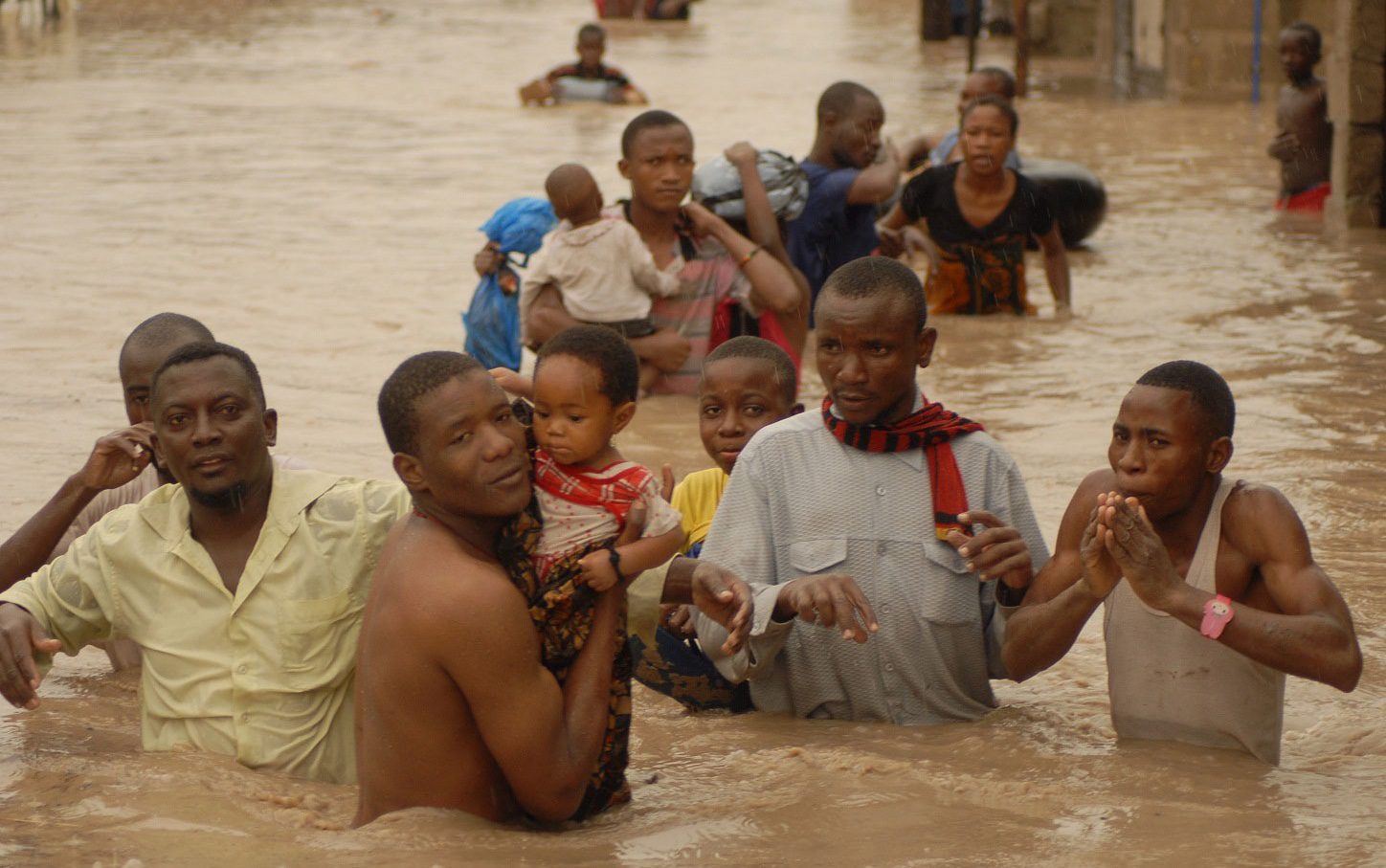
Before travelling in heavy rain, share your live location with a trusted relative or friend. That gives them your last reported position if communication is interrupted.
Download offline maps for the areas you travel through, since networks can fail and flooded roads make familiar routes hard to follow. Offline maps do not show real-time flooding or closures, so a route displayed as open is not necessarily safe.
A waterproof phone pouch is a cheap extra layer of protection for people who work or travel outdoors. Water-resistance ratings should not be mistaken for flood protection. Samsung says its Galaxy phones usually support IPx7 or IPx8 ratings, which cover 30 minutes in water at 1 metre or 1.5 metres, respectively, and advises against exposing them to unclean water. Floodwater is rarely fresh and clean.
Back up important documents before severe weather arrives. Photographs of identity cards, certificates, insurance papers and other essential records can be stored in a secure cloud account. That makes recovery easier if the originals are damaged or lost.
Also read: Why the NEMA and SpaceX partnership is critical to Nigeria’s 2026 flood response
Keeping your phone and power alive during blackouts
Blackouts make the other tools less useful. A phone with no charge cannot receive alerts or reach relatives, and a rechargeable fan that was never charged offers little protection.
A power bank is therefore one of the most useful devices to have ready. The capacity printed on the packaging isn’t the whole story, because output power, charging efficiency, and the size of the phone’s battery all affect how much charge you get. A 20,000 mAh power bank, for example, doesn’t deliver 20,000 mAh to a smartphone, since some energy is lost in conversion. Check the rated output and confirm it suits your devices.
Those who can afford them may consider solar charging systems, though performance depends on panel size, sunlight and weather. Small power banks with built-in solar panels should not be treated as dependable primary chargers because the panels can take a long time to recharge the battery.
Rechargeable LED lamps are a useful addition to a household emergency kit. They produce no open flame, unlike candles, and some give several hours of light after charging. A battery-powered radio can also deliver official announcements when mobile internet is down.
Phone settings help stretch a charge. Switch on battery saver, reduce brightness, close unnecessary background activity and turn off Bluetooth and location services when you do not need them. Before an outage, download offline maps, emergency contacts, key documents and forecasts.
How to protect your gadgets from the weather
The devices people rely on in extreme weather are also vulnerable to it. Heat affects batteries, water damages components, and unstable power can cause problems during charging. Manufacturers publish operating and storage limits, so check the documentation for your own model.
Apple says iPhones are designed to operate in ambient temperatures between 0°C and 35°C. A device outside that range may dim its display, pause charging, close apps or show a temperature warning. On the day Technext checked the NiMet app, its forecast high for Abuja was 37°C, already above that ceiling. Move an overheated phone out of direct sunlight and let it cool before using it.
Power banks need similar care. Oraimo’s and Redmi’s safety guides advise keeping the ambient temperature between 0°C and 35°C (around 25°C is ideal) and never leaving the power bank in direct sunlight or high-temperature places such as a parked car. They also warn against covering the device with clothing, pillows, or bedding while charging, recommending a cool, well-ventilated hard surface so heat can dissipate properly. Those surfaces restrict ventilation and can trap heat.
Stop using a power bank that swells, smells unusual or overheats, and never open or repair a damaged battery. Keep phones, chargers and power banks away from standing water, and if a device gets wet, disconnect it from power and follow the manufacturer’s instructions before charging it again.
During thunderstorms, NiMet advises people to stay indoors, avoid sheltering under trees or near power lines and disconnect sensitive electrical appliances. A surge protector adds a layer of protection but is not a substitute for unplugging equipment when lightning is a risk.
Preparing for El Niño does not require expensive technology. A working smartphone, a reliable power bank, a rechargeable lamp, access to weather information and a plan for reaching relatives can all help. Charge them, test them and save the numbers and offline information you need before the weather turns, and keep a second option for when one tool fails.
