

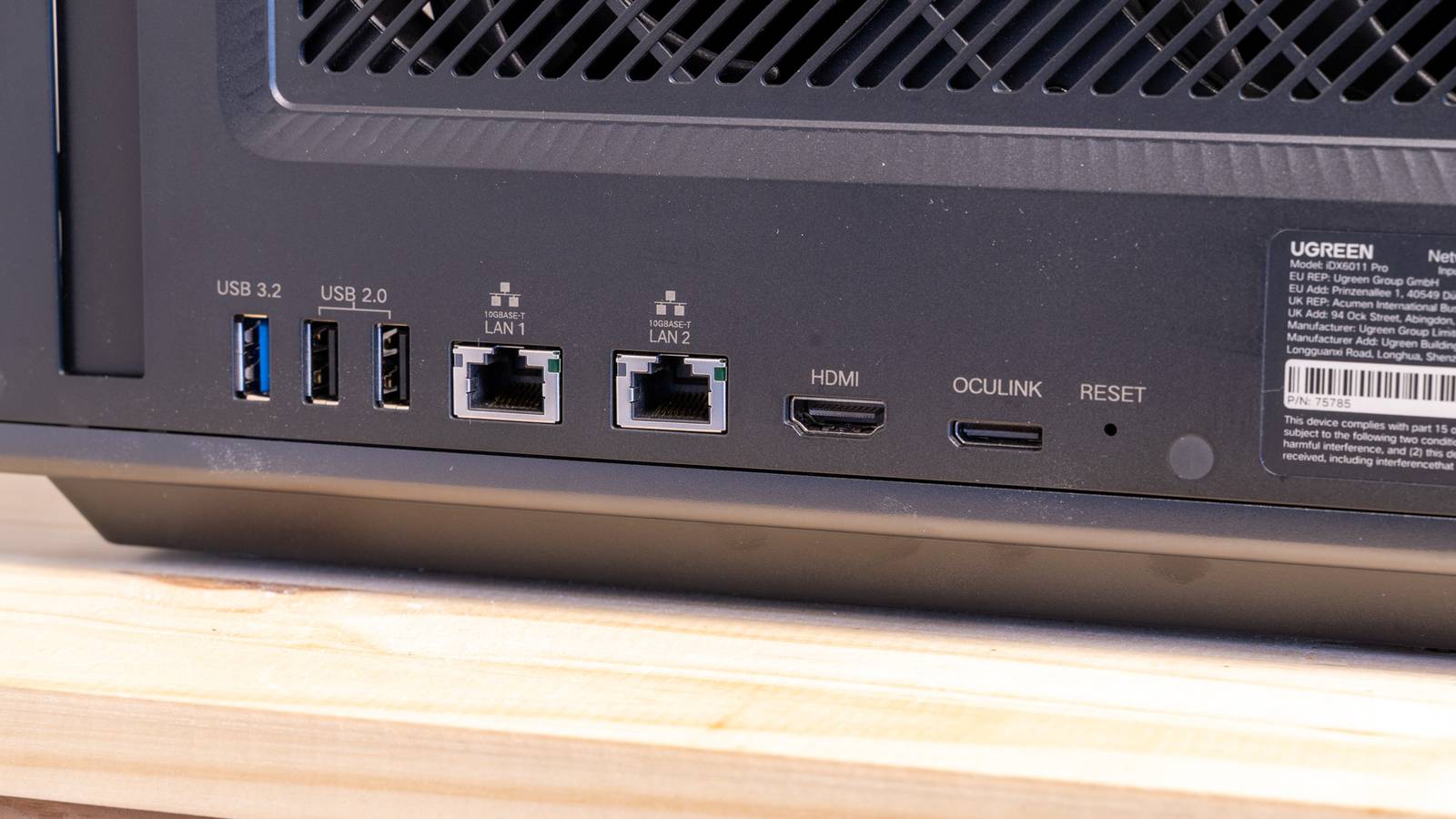
Thunderbolt and USB4 have an equally capable alternative, Oculink. Although it can ensure external peripherals work as if they were installed on the motherboard, adoption has remained a challenge. After announcing the first ever modular laptop with a touchscreen, Framework has confirmed it will support Oculink. This will allow laptop users to connect eGPUs, NVMe drives, and other high-speed peripherals at speeds exceeding 120Gbps.

eGPUs vs. eGPU Enclosures: Which Should You Choose?
Augment your underpowered PC or handheld with an external GPU.
Oculink gets a major boost with Framework
A royalty-free alternative to Thunderbolt on a Framework laptop
Thunderbolt has traditionally been the go-to high-speed external I/O connection for portable computers. It allowed laptops with Intel CPUs to connect to peripherals that need ultra-high speed or bandwidth. While Intel CPUs have Thunderbolt, AMD Ryzen laptops have the equally capable and functionally equivalent USB4 connection.
Incidentally, including Thunderbolt can attract high licensing fees. Oculink, on the other hand, is open source, which means it can be freely used, just like the Display Port. Despite the cost benefits, Oculink lacked adoption. It was never really preferred by either host PCs or device manufacturers. Even dock makers haven’t truly embraced Oculink. But all this could change soon.
Framework, the company that makes easily repairable and up-gradable laptops, has reportedly confirmed it’s creating an “Oculink Dev Kit”. The company plans to include (add an Oculink port) on the Framework Laptop 16 later this year. Needless to add, this is a much-needed boost for Oculink. With the company’s backing, Oculink could be widely recognized and adopted by other device and laptop makers.

- Price
-
Starting at $799
- Brand
-
Framework
The Framework laptop is the first DIY laptop that is both upgradeable and repairable.
Is Oculink better than Thunderbolt and USB4?
Hint: Oculink has an optical fiber connection
Thunderbolt, USB4, and Oculink serve an important function. These standards allow portable computers to work with high-speed peripherals. These ports are mainly useful for attaching external GPU docks, high-speed NVMe drives, and network cards that support gigabit bandwidth. Without these ports, the speed of the peripherals would drop significantly.
It is interesting to note that Thunderbolt and USB4 use copper signaling. Oculink stands for Optical Copper Link (OCuLink). As the name reveals, it uses optical connections. Fiber is superior to copper as it supports higher bandwidth. Additionally, Oculink doesn’t need as extensive cooling solutions as Thunderbolt docks.
Framework Laptop 16 would be the first portable computer from the company that would support Oculink. Framework has already developed an Oculink adapter board, which slides into one of the several Expansion Bay Shells. The company is expected to offer a Graphics Module Oculink Dock, and a PCIe Oculink Dock, each serving a different purpose.
Framework claims its solution makes the entire Oculink 8i (128Gbps) interface available to the graphics card. On paper, this is superior to Thunderbolt 5’s 120Gbps unidirectional graphics mode. Needless to add, the real-world impact of such an interface will have to be verified. Nonetheless, with such high bandwidth, Framework laptops would be the first ones to have dual-function Oculink support, making it simple to connect multiple devices that demand ultra-high speed bandwidth.
Source: PCWorld
