

Are you thinking about buying a new external SSD? We all seem to be constantly in need of more storage, but I’d caution against heading straight for a pre-built external SSD.
Pre-built external SSDs come with tradeoffs
Admittedly, your typical external SSD offers a lot of convenience. A plug-and-play, “it just works” experience is typical. If that’s all you want, then carry on. However, there are drawbacks you may not be aware of.
Let’s consider a popular choice for external drives: the SanDisk Extreme Portable SSD. It’s rugged and relatively affordable. What’s not to like, right?

This may sound like an obvious statement, but the storage capacity you buy is the storage capacity you’re stuck with. 1TB may sound like a lot right now, but what about when your music collection has grown or your photography business is booming? If your storage needs grow, it’s impossible to expand without buying a totally new external drive and copying over your files.
You’re also stuck at the same transfer speeds forever. Developments in data transmission have been consistently improving the rate at which you can move files and making higher rates more affordable. The Extreme Portable’s maximum transfer speed of 1050MBs, while not unusable, is pretty limited by today’s standards. If you buy one now, you’ll already be behind the times.
Get an M.2 enclosure and one or two loose SSDs

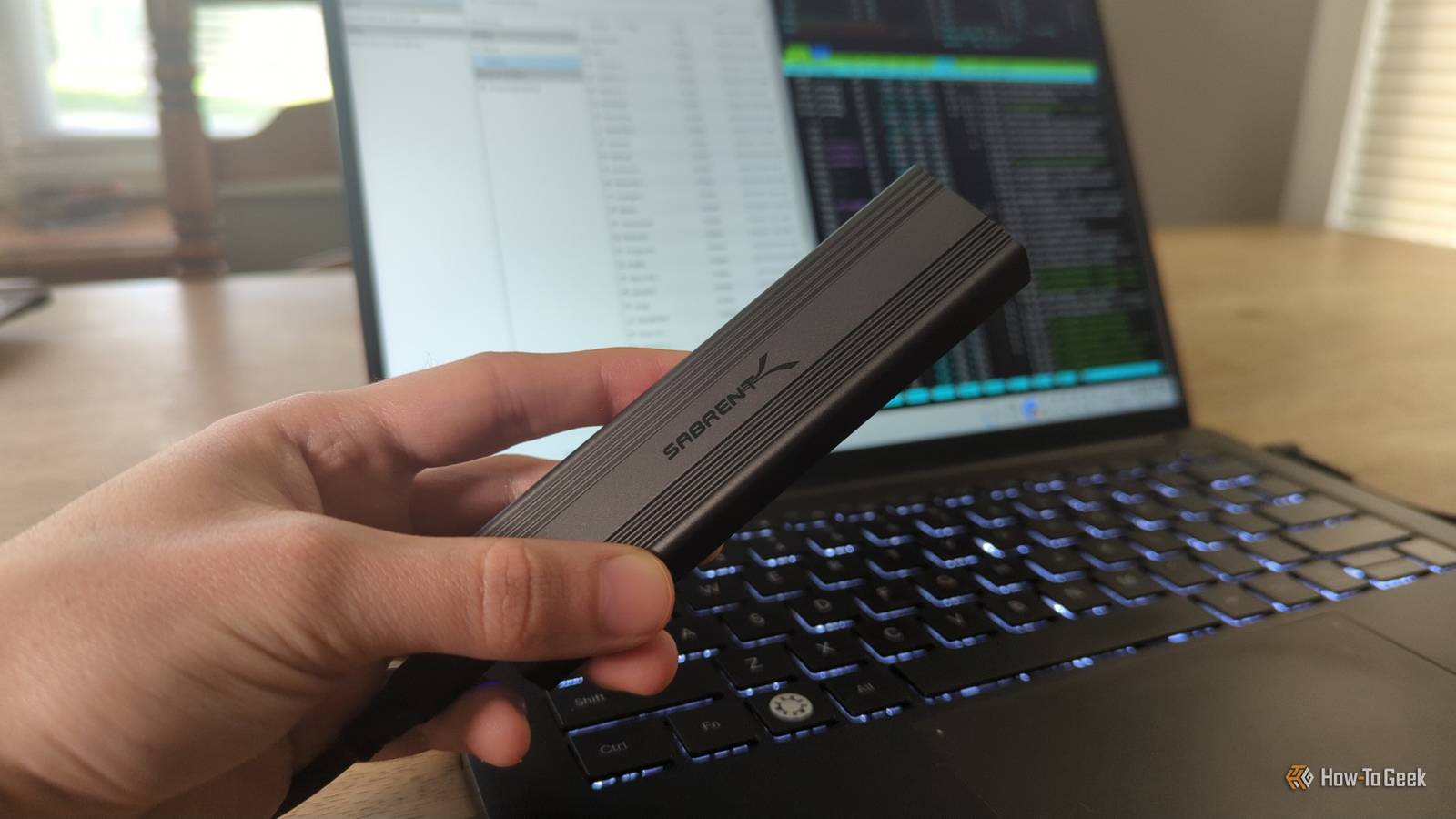
So how do you avoid those pitfalls? I bought an SSD enclosure from Sabrent a few years ago, and I just keep getting more benefits from it because of what I put inside.
I’d earlier bought a 1TB NVMe drive for a PC build I was working on. That build ended up not coming to fruition, but I want to try reselling the SSD at a loss and then inevitably buying another later when prices had risen. Grabbing the enclosure, I was able to put the internal drive to use as an external backup solution.
This is where the benefit of an enclosure really comes into focus: that backup solution is not limited to just one capacity, brand, or speed.
Recently, I decided that the SSD in the enclosure was more useful to me inside my laptop. So with a simple pin removal, I pulled the SSD out and stuck it inside the laptop. Meanwhile, I happened to have an extra SSD that I’d bought for a mini PC project but wasn’t able to use because it was the wrong size. Rather than return it, I just filled the empty slot in the enclosure (which can handle any M.2 size) and had a new external drive on my hands. Nothing went to waste.
Don’t be intimidated by custom builds

While you may think building your own external SSD is intimidating, it doesn’t require as much technical skill as you might think. Modern SSD enclosures are often toolless, meaning you don’t need the knowledge and hand tools you’d need for working on computers.
The instruction manual will show you how to do it. You can also look up the enclosure model you’re thinking of on YouTube to watch other people install SSDs in it. That’ll give you the confidence to start building your own external SSDs.
No matter what, make sure you don’t bend any NVMe sticks. Installation may involve pressing the drive into place, but you should avoid putting undue pressure on the body of a drive at all costs.

This enclosure turns NVMe SSDs into 64 Gbps external USB drives
Max out your PCIe Gen 4 SSD, with the power of USB 4 V2.
Just make sure the enclosure has good transfer speeds
When you choose an enclosure, one of the most important aspects to consider is its maximum transfer speed. You don’t want to end up with an unnecessary bottleneck, so it’s best to make sure the SSD is capable of faster speeds than any SSD you own or think you might buy soon.
I talked about my Sabrent NVMe SSD enclosure earlier, which has a maximum of 10Gbps—faster than the read/write speeds of most internal drives you can buy. UGREEN’s tool-free enclosure, though, offers the same transfer speeds but includes more USB connectivity options at a cheaper price, so I’d probably invest in that if I were buying again today.
Of course, if you don’t have a loose SSD lying around like I did, you’ll want to make sure the one you buy is as fast and as high-capacity as you can afford too.

- Storage capacity
-
2TB
- Hardware Interface
-
PCIE x 4
- Brand
-
Western Digital
- TBW
-
7300 MB/s
- Dimensions
-
3.15″L x 0.87″W x 0.09″Th
- Compatible Devices
-
Laptop, Motherboards
The WD_Black 2TB SSD is great for gaming. It offers read speeds of up to 7,300 mb/s and features an optional heatsink. The drive includes the wd_black dashboard software for monitoring health and customizing RGB lighting on compatible models.
Again, there’s nothing wrong with buying pre-built external drives if you’ve thought the purchase through and it’ll definitely satisfy your needs. In fact, depending on the price, it may even be worth it to buy and shuck an external hard drive.
