
Close Menu
InclusiFund
    What's Hot

    Tax first, licence later: Nigeria’s crypto dilemma

    February 12, 2026

    Redtech sets sights on 29 African markets, says mergers and acquisitions on the table

    February 12, 2026

    Sony’s new WF-1000XM6 earbuds are exactly the upgrade I wanted

    February 12, 2026
    Facebook X (Twitter) Instagram
    InclusiFund
    Facebook X (Twitter) Instagram
    • Home
    • Daily Brief
    • Dealflow Dashboard
    • Sectors
      • Agritech
      • Climate Tech
      • Fintech
      • Healthtech
      • Logistics
      • Mobility
      • SaaS / Enterprise
    • Tools
    • Reports
    • Opinion
    • Services
      • For Investors
      • For Founders
    • About Us
    • More
      • Disclaimer
      • Advertise With Us
      • Newsletter
      • Work With Us
      • Terms and Conditions
      • Privacy Policy
      • Contact Us
      • About Us
    InclusiFund
    Home»Tools»Windows 11 Leak Suggests Copilot Is Moving Deeper Into File Explorer
    Tools

    Windows 11 Leak Suggests Copilot Is Moving Deeper Into File Explorer

    ElanBy ElanJanuary 14, 2026No Comments2 Mins Read
    Facebook Twitter Pinterest LinkedIn Tumblr Reddit WhatsApp Email
    Windows 11 Leak Suggests Copilot Is Moving Deeper Into File Explorer
    Share
    Facebook Twitter LinkedIn Pinterest WhatsApp Email

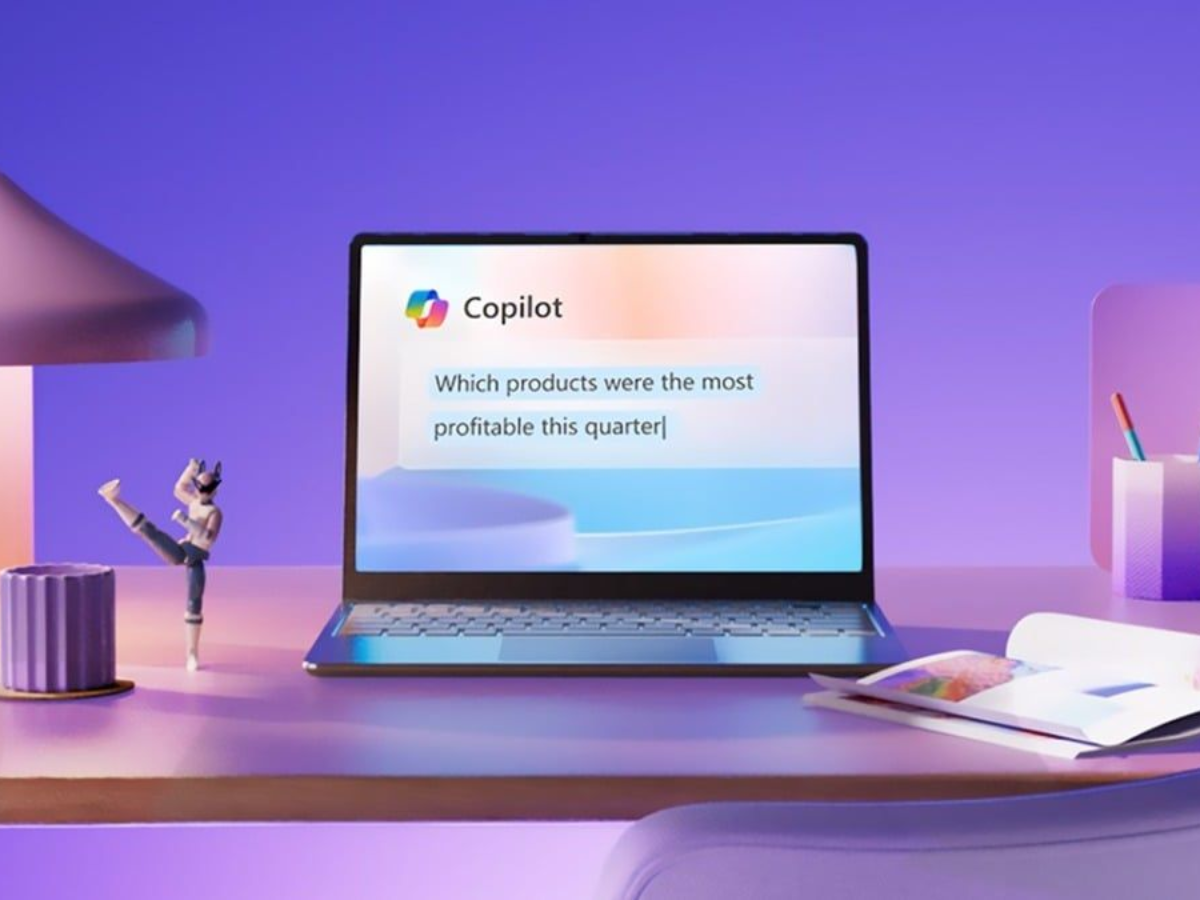
    A new Windows 11 preview build indicates that Microsoft may soon expand Copilot’s presence inside File Explorer. Testers have spotted a hidden button in recent Insider builds that appears to be linked to Copilot functionality.

    The button was first noticed by a Windows Insider tester and is currently not visible or usable by default. While inactive, its placement suggests tighter Copilot integration directly within File Explorer rather than routing interactions through the standalone Copilot app.

    If enabled in future builds, the button could allow users to ask Copilot to locate specific files, identify document types, or navigate large folders using natural language queries. This would keep the interaction inside File Explorer instead of opening a separate Copilot window.

    Copilot is already partially integrated into File Explorer through the context menu. Right-clicking a file and selecting “Ask Copilot” launches the Copilot app and passes the file as context. The newly discovered button appears intended to streamline that workflow by embedding AI interaction directly into the file management interface.

    File Explorer search has long been criticized for slow performance and inconsistent results, especially on systems with large file collections or incomplete indexing. A context-aware AI assistant could theoretically improve discovery by interpreting intent rather than relying solely on filenames and metadata.

    Microsoft has been steadily expanding Copilot across Windows 11, integrating it into the taskbar, Settings, system prompts, and Microsoft 365 apps. Many of these additions are system-level and cannot be fully removed once installed, which has drawn criticism from users who prefer a more traditional desktop experience.

    At this stage, there is no confirmation that the File Explorer Copilot button will ship to stable builds. Features spotted in preview builds are often experimental and may be changed or removed before public release. Microsoft has not commented on the finding or outlined any plans for Copilot-based file management.

    What are your thoughts on the integration of Copilot deeper into Windows?

    Summary
    Windows 11 Leak Suggests Copilot Is Moving Deeper Into File Explorer
    Article Name

    Windows 11 Leak Suggests Copilot Is Moving Deeper Into File Explorer

    Description

    A Windows 11 preview build hints at deeper Copilot integration in File Explorer through a new in-app button.

    Author

    Arthur K

    Publisher

    Ghacks Technology News

    Logo

    Ghacks Technology News

    Copilot Deeper Explorer File leak moving Suggests Windows
    Elan
    • Website

    Related Posts

    Sony’s new WF-1000XM6 earbuds are exactly the upgrade I wanted

    February 12, 2026

    Stop pretending Ryobi is the same as Milwaukee

    February 11, 2026

    How To Choose The Right One — Smashing Magazine

    February 10, 2026
    Leave A Reply Cancel Reply

    Economy News
    Crypto

    Tax first, licence later: Nigeria’s crypto dilemma

    By ElanFebruary 12, 20260

    More than a year since Nigeria’s Securities and Exchange Commission (SEC) issued its first provisional…

    Redtech sets sights on 29 African markets, says mergers and acquisitions on the table

    February 12, 2026

    Sony’s new WF-1000XM6 earbuds are exactly the upgrade I wanted

    February 12, 2026
    Top Trending
    Crypto

    Tax first, licence later: Nigeria’s crypto dilemma

    By ElanFebruary 12, 20260

    More than a year since Nigeria’s Securities and Exchange Commission (SEC) issued…

    Tech

    Redtech sets sights on 29 African markets, says mergers and acquisitions on the table

    By ElanFebruary 12, 20260

    Acquisitions are on the table for Redtech Ltd as the fintech plans…

    Tools

    Sony’s new WF-1000XM6 earbuds are exactly the upgrade I wanted

    By ElanFebruary 12, 20260

    The most highly-anticipated audio launch of 2026 is here: Sony’s WF-1000XM6 earbuds…

    Your source for comprehensive insights on Africa’s private credit markets, InclusiFund synthesizes deal pipelines, repayment patterns, collateral trends, and sector-level signals to guide investors in underwriting and structuring credit in emerging African markets.

    We're social. Connect with us:

    our Categories
    • Work With Us
    • Advertise With Us
    • Contact Us
    • Disclaimer
    • Privacy Policy
    • Terms and Conditions

    Subscribe to Updates

    Get the latest creative news from FooBar about art, design and business.

    Facebook X (Twitter) Instagram Pinterest
    • Work With Us
    • Advertise With Us
    • Contact Us
    • Disclaimer
    • Privacy Policy
    • Terms and Conditions
    © 2025 Inclusifund. All Rights Reserved.

    Type above and press Enter to search. Press Esc to cancel.
