

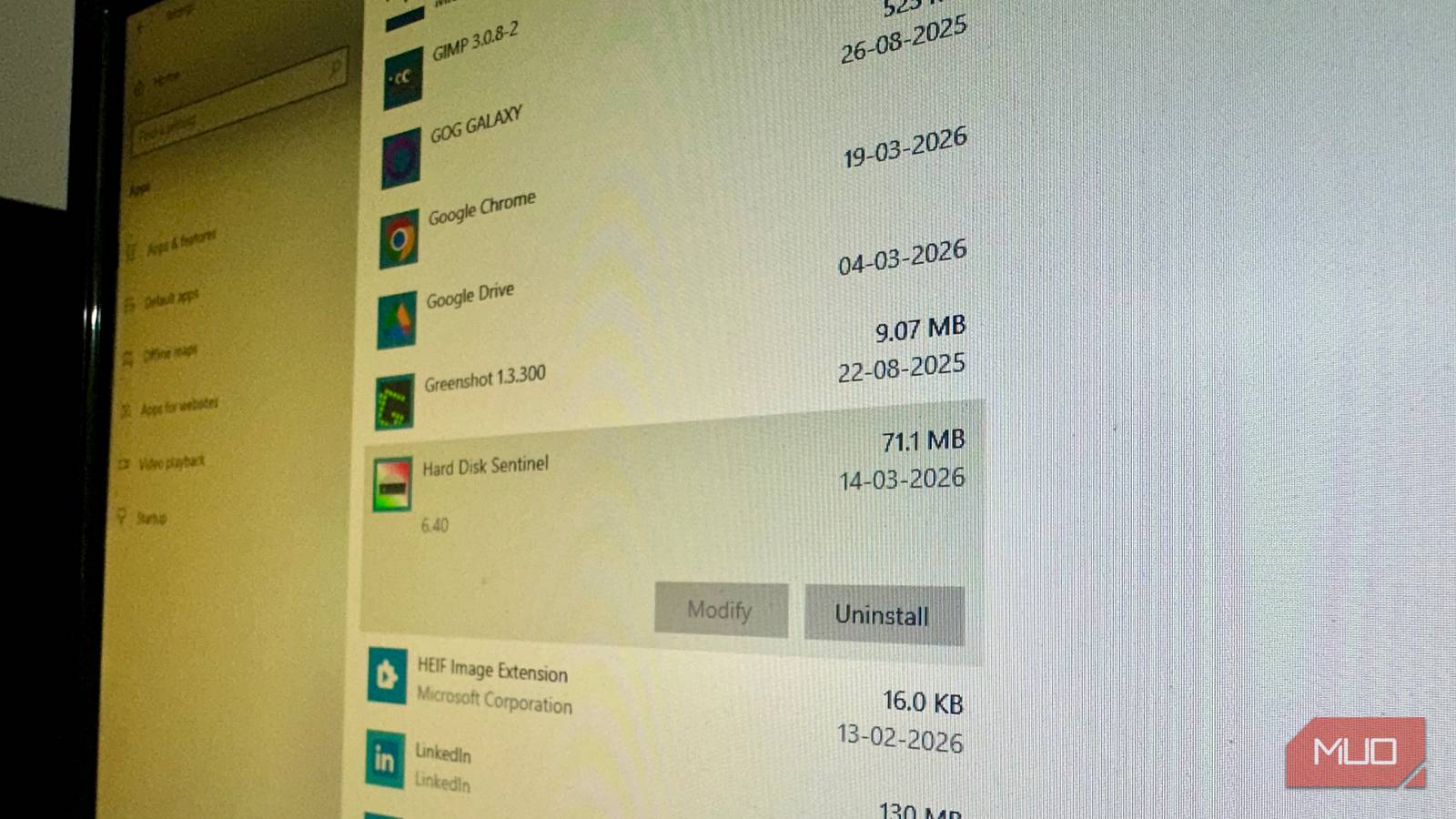
I can’t believe I’m typing this, but when you uninstall an app on Windows, it doesn’t actually, umm, uninstall it. At least not completely. Even after removing an app on Windows, it will leave behind residual data in the form of logs, registry keys, preferences, configuration data, and more. This residual data isn’t harmful, but can take up disk space over time, especially if you’re someone like me who regularly tests programs. This is not exactly Windows’ fault because the uninstallation process also depends on the app developer’s preferences. Regardless, you can track down and deep clean these files manually, or simply use third-party uninstallers from the get-go. I prefer the latter.
Revo Uninstaller
Gets the basics right
Revo Uninstaller is one of the more popular uninstallers out there, and for good reason: it’s easy to use and does what it says. The UI may seem a little dated and cluttered to some, but I have no complaints since I prefer large, clearly labeled icons. Uninstalling a program is easy: select the program, then click Uninstall in the toolbar at the top. Revo Uninstaller will ask you to create a System Restore Point before each uninstall. Once the uninstall completes, it’ll prompt you to perform a scan for leftover files.
Uninstalling isn’t limited to third-party apps; the program can remove Windows Store apps as well. Click on the Windows Apps option in the toolbar, and choose the app you want to uninstall. An interesting feature of Revo Uninstaller is its Hunter Mode. You can enable it from the toolbar, and once enabled, the Revo Uninstaller window will disappear, and you’ll see a blue crosshair (target icon) on your screen. Drag this blue crosshair to an active window or taskbar icon to the details of the app, along with an option to uninstall it.

I thought emptying the Recycle Bin deleted my files — this app proved me wrong
Clicking Delete doesn’t delete your data from your PC and it’s easily recoverable.
The tool has a bunch of additional features too, like Junk Files Scanner, Browser Cleaner, Microsoft Office Cleaner, and an Evidence Remover (Hmmm…). The app’s paid version offers a lot more features, including the ability to batch uninstall programs.
Wise Program Uninstaller
Easily uninstalls multiple apps
Wise Program Uninstaller is lightweight, with the download being only 10MB in size. Open the program, and you’ll see a clean, modern UI that lists all your installed apps and drivers with their install dates, size, and last used dates. Select an app, and you’ll notice options to either Safe Uninstall the program, or Force Uninstall it. Choose the latter in case the former fails. There’s also a Modify option which usually just opens the Windows uninstall wizard for that app. You can filter the kind of apps you wish to see by clicking the Desktop Apps, Metro Apps (Microsoft Store apps), and System Components.
Unlike Revo Uninstaller, Wise Program Uninstaller lets you uninstall multiple apps in one go: tick the checkboxes next to the apps you’d like to uninstall, and click the Uninstall button in the top-right corner of the window. Before uninstallation begins, you can choose whether you want to create a System Restore Point or scan for residual data.
You can use Wise Program Uninstaller to remove unused browser extensions too. In case the program you want to uninstall isn’t listed in the app list, you can use the Custom Uninstall feature to manually browse for it. For paid users, there’s also a Software Health menu that can remove residual files from already uninstalled apps, locate redundant files, and detect software permissions.
Uninstalr
Keeps things simple (in a good way)
Uninstalr is a free, lightweight tool that focuses solely on uninstalling programs. In my view, this is a good thing. The download size is just 6.5MB, and you can pick between a portable version or a setup. It did take a bit of time to detect all the installed apps on my PC, compared to other apps in this list.
Uninstalling programs is easy: select the programs you want to uninstall (Uninstalr lets you select multiple programs without holding the CTRL or Shift keys), and click the Uninstall button. That’s about it. It displays a warning when you try to uninstall one of two related apps. For instance, when I tried to uninstall Steam, it displayed a message that I hadn’t selected Arc Raiders, and Disco Elysium (two games I had bought on Steam) for uninstallation. Before removing the program, Uninstalr displays a list of the files that will be removed. Once you’re sure, you can proceed with the uninstallation process.

I finally disabled these Windows services and my PC is happier for it
Your PC might be secretly working harder than you are, and not always in ways that benefit you.
The app also lets you choose between three leftover scanning modes in the Settings: Normal, Minimal, and None. You can also decide whether you want to remove the program’s registry keys or not.
Be careful when removing leftover files
Uninstallers can accidentally remove important stuff too. It’s always best to double-check exactly what is being removed before confirming an uninstallation. I also suggest creating a system restore point before bulk uninstalling programs, because over-cleaning can often cause bugs and malfunctioning apps on Windows. This is especially important if you use the Registry cleaning features that come bundled with uninstallers.
