

If you buy a TV with an “HDMI 2.1” badge on the box, it is perfectly reasonable to expect the features people now associate with that label, including 4K at 120Hz, variable refresh rate, and the 48Gbps maximum bandwidth commonly used to advertise the generational jump.
The annoying part is that the television may not support any of those headline capabilities. I used to think HDMI 2.1 worked like a performance grade. A port was either qualified for the complete package or it was not. In reality, HDMI 2.1 is closer to the name of a rulebook.
HDMI 2.1 is a specification, not a performance tier
The badge passed the test, but your expectations did not

The HDMI Forum released HDMI 2.1 on November 28, 2017. The specification raised the maximum raw link bandwidth from the 18 Gbps available with HDMI 2.0-era connections to 48 Gbps. It also introduced support for demanding video formats such as 4K at 120Hz and 8K at 60Hz, alongside features including Variable Refresh Rate, Auto Low-Latency Mode, and enhanced Audio Return Channel.
Those capabilities quickly became shorthand for HDMI 2.1. The specification itself, however, does not require every compliant product to implement all of them.
HDMI Licensing Administrator has clarified that individual HDMI 2.1 features are optional. Manufacturers can select the features that suit a particular product, provided it passes the relevant compliance tests for the capabilities it claims to support.
A manufacturer promoting HDMI 2.1 compliance is also supposed to identify which HDMI 2.1 features the product supports. That differentiation is important because the problem is not always the manufacturer’s full specification page. It may be a retailer, comparison site, or shop listing that compresses the details into a bare “HDMI 2.1” entry, leaving buyers to fill in the blanks.

The licensing history helps explain how this happened. The HDMI Licensing Administrator further stated that new products could no longer be certified under HDMI 2.0. They were instead certified under HDMI 1.4b or HDMI 2.1, although products previously certified under HDMI 2.0 could retain that description.
HDMI 2.2 has since become the latest version of the specification. However, that earlier policy explains why products with capabilities buyers once associated with HDMI 2.0 could legitimately appear under the HDMI 2.1 umbrella.
The fine print has beaten buyers before
Let’s look at some Sony TVs

Sony’s television documentation provides a useful example. Its HDMI 2.1 television support table lists several models that support eARC and ALLM but not 4K120 or VRR. These include the 2024 Bravia 3, the 2023 X80L, and several earlier X80-series models. Sony’s specifications for the older X80J follow the same pattern. It lists eARC and ALLM as features specified in HDMI 2.1, but does not list VRR support. ALLM is also limited to HDMI inputs 3 and 4.
There is no technical contradiction there. The television supports specific HDMI 2.1 features but lacks the full set commonly associated with HDMI 2.1 gaming. However, someone who sees only “HDMI 2.1” in a shop listing could reasonably assume that 4K120 and VRR are included.
Bandwidth, ports, and firmware have their own fine print
Some ports are more equal than others

The HDMI version number also does not tell you which signaling system a port uses or how much bandwidth it provides. HDMI 2.0-era connections generally use Transition-Minimized Differential Signaling, or TMDS, with a maximum raw link bandwidth of 18Gbps. HDMI 2.1 introduced Fixed Rate Link, commonly shortened to FRL, to provide the higher data rates needed for demanding combinations of resolution, refresh rate, color depth, and chroma detail.
FRL is not automatically included because a port is described as HDMI 2.1.
The HDMI Licensing Administrator has confirmed that a product can comply with HDMI 2.1 while continuing to use TMDS at 18 Gbps rather than FRL at a higher data rate. The device must comply with the specification and implement at least one HDMI 2.1 feature, but the label does not guarantee a 48Gbps connection.
Xiaomi is a particularly clear example, although it involves a monitor rather than a television. The product page for the Xiaomi Curved Gaming Monitor 30 describes one input as HDMI 2.1, then explains in a footnote that the connection uses TMDS and provides bandwidth equivalent to HDMI 2.0. The maximum HDMI input mode is 2560 × 1080 at 180Hz.
The HDMI 2.1 description is technically defensible, but the connection does not use FRL and cannot support a 48 Gbps signal. That is precisely why the version number is a poor substitute for the port’s actual specifications.
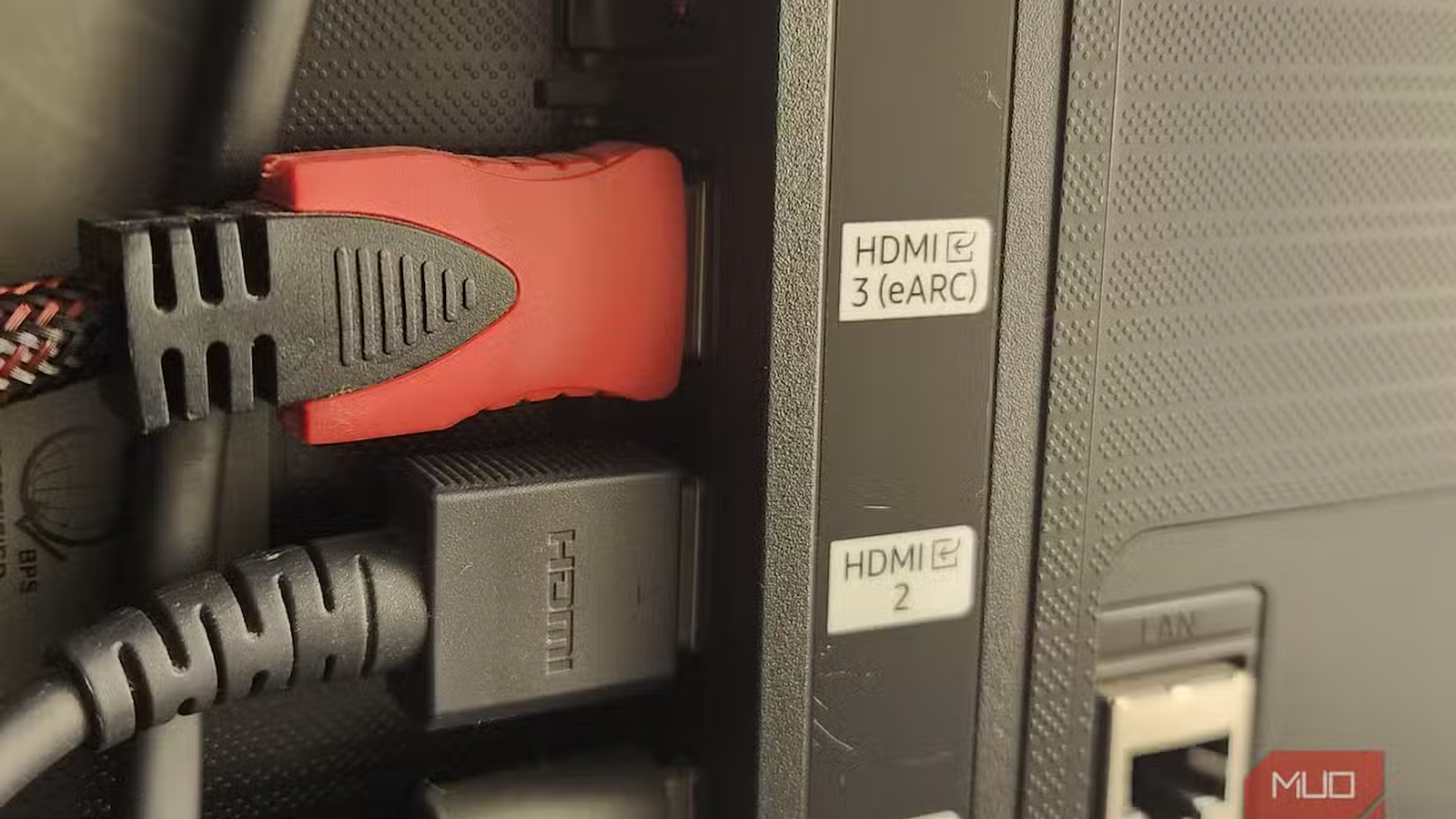
Even when a television does offer high-bandwidth inputs, it may provide them on only one or two ports. One of those ports may also serve as the eARC connection for a soundbar or AV receiver, leaving fewer high-capability inputs available for consoles and gaming PCs.
The useful question is therefore not how many HDMI sockets the TV has. It is how many of those sockets support the exact modes you plan to use.
Firmware adds another complication. A television may contain the necessary hardware for a feature without offering that feature when the product first goes on sale.

Sony’s 2020 X900H is a good example. Sony’s support table lists 4K120, eARC, VRR, and ALLM for the model, but marks all four as features made available through software updates. That differs from a port that is permanently limited to an 18 Gbps TMDS connection. The X900H was designed to receive additional functionality after launch, but a promised feature is not the same as a working feature on the day someone buys the television.
A specification-page feature can therefore mean one of three things. It may be available at launch, enabled later through an update, or unsupported by the product entirely. Those categories should not be treated as interchangeable.
The source device can create similar delays. The PlayStation 5 launched in November 2020, but Sony Interactive Entertainment did not begin rolling out VRR support until the week of April 25, 2022. Until that update arrived, owning both a VRR-capable television and a PlayStation 5 did not make VRR usable on the console.
In practice, compatibility depends on the television, the selected input, the source device, its firmware, and the cable connecting them.
What to check before buying an HDMI 2.1 TV
Check the features, not the version number
I now treat the HDMI version as the starting point for my research rather than a summary of the television’s performance.
For gaming, “4K120” tells me more than “HDMI 2.1,” but even that claim needs context. I want to know whether the television can run 4K120 with HDR and VRR enabled, rather than forcing me to choose between them. I also check whether the same combination works on all high-bandwidth ports or only on a single selected input.
Before buying, I would verify five things:
- Which HDMI ports support 4K120 or other high-refresh-rate modes
- Whether those ports support VRR, HDR, and ALLM together
- Whether they use FRL and what maximum bandwidth they provide
- Whether the eARC connection occupies one of the most capable inputs
- Whether any advertised features depend on firmware or a special input setting
If you’re a more demanding console and PC user, you may also need to check the supported VRR range, chroma formats, local-dimming behavior during VRR, and whether Dolby Vision gaming works at 120Hz.
The input settings also deserve attention. Sony, for example, instructs owners of many models to select the appropriate “Enhanced format” setting before higher-bandwidth signals or features such as VRR become available. A capable port configured in the wrong mode can appear incompatible.

Cable names create another source of confusion, given that not all HDMI cables are equal, and the expensive ones are usually a waste. You are not technically shopping for an “HDMI 2.1 cable.” HDMI versions specify device and interface specifications, while cables use official category names.
For setups that require up to 48Gbps, including configurations such as 4K120 and 8K60, the official category is Ultra High Speed HDMI Cable. For systems that require up to 18 Gbps, the appropriate certified category is the Premium High Speed HDMI Cable.
A cable cannot add VRR, FRL, 4K120, or extra bandwidth to a television that does not support those capabilities. Its job is to carry the signal reliably between compatible devices, which is why cheap HDMI cables are actually fine as long as they are certified for the bandwidth you need.
