

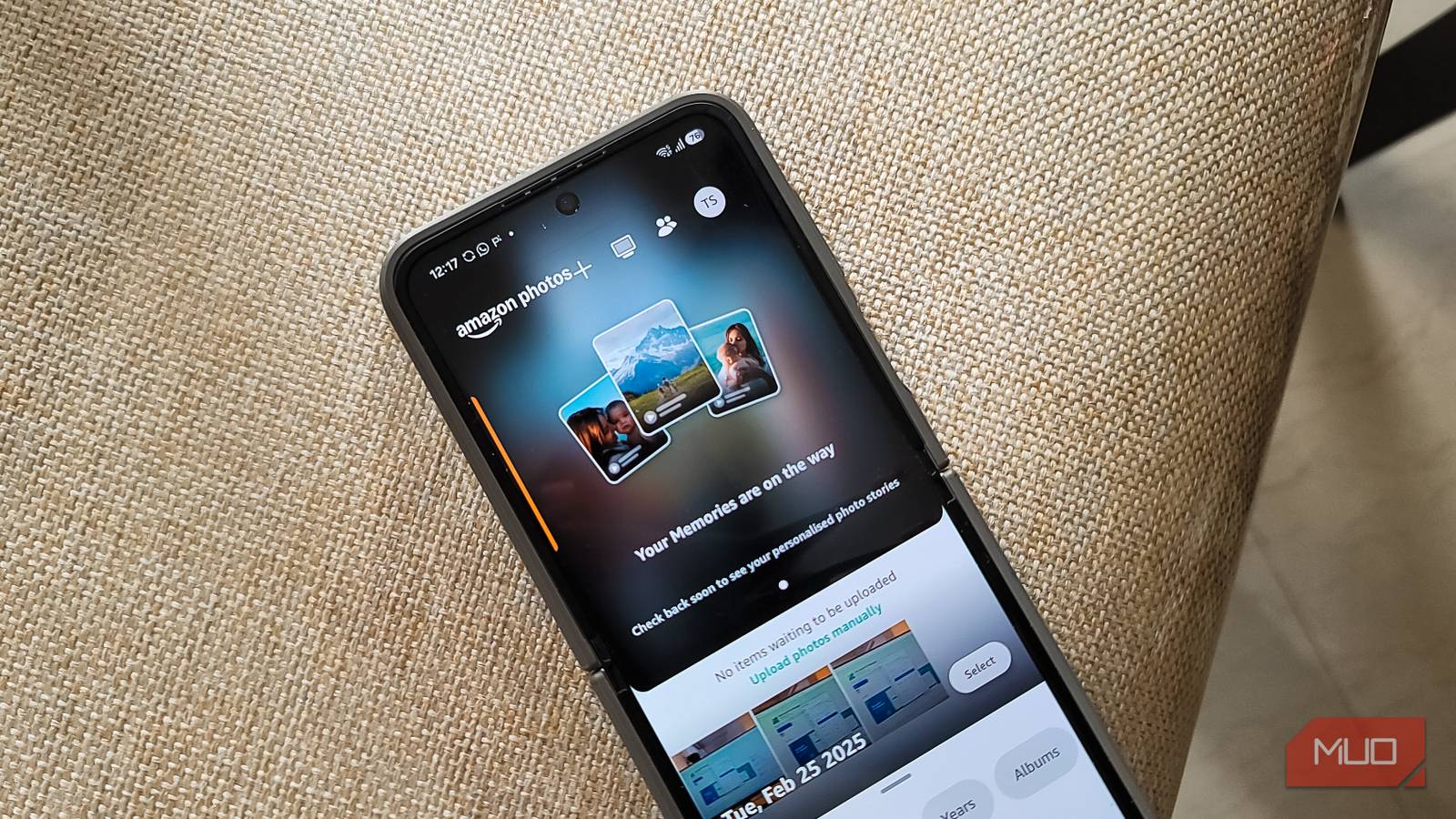
Google Photos is great until you hit its 15GB cap, shared across Gmail, Drive, and Photos, which fills up faster than you’d think. Yes, you can optimize how Google Photos uses your storage, but it’s not a permanent solution.
Now, if you’re an Amazon Prime member, you’re already sitting on the real fix: unlimited, uncompressed photo storage through Amazon Photos. I made the switch, and I think it might actually be the better app.
Amazon Photos offers unlimited storage
Prime members get unlimited full-resolution photo backups
Google Photos now saves all your images in a compressed format by default. It still has an option to store images in their original quality, but you have to manually enable it in the settings. Even then, if you are on the free tier or have limited storage, uncompressed images eat up your space a lot faster, so you end up choosing between quality and quantity.
With Amazon Photos, you get unlimited photo storage, and by default, everything is saved in its original, uncompressed format. It also supports RAW files out of the box, which is useful if you shoot on a mirrorless or DSLR camera. Google Photos does support some RAW formats, but they count against your storage quota. On Amazon Photos, RAW files are part of the unlimited photo storage for Prime members, so you can back up your entire library without worrying about eating into your space.
The catch, however, is video storage. Amazon only gives you 5GB for videos (shared across all file types other than photos), which is nowhere near enough if you shoot a lot of video. Google Photos, by comparison, uses your Google One storage for both photos and videos, so if you are already paying for a cloud storage plan that offers better value, the video storage limitation on Amazon may not be a dealbreaker.
Family Vault makes sharing easy
Share your photo library with up to five family members

Another handy feature in Amazon Photos is Family Vault. It is basically a centralized photo-sharing feature that lets you pool specific photos into a single shared vault that everyone in the group can view. You can invite up to five family members, and while everyone keeps their own photo library private, any photos shared to the Family Vault become accessible to the entire group.
Google, on the other hand, also offers partner sharing, but it only lets you automatically share your library with one person. If you want to share with multiple family members, your only option is to create separate shared albums for each person, which is a pain to maintain.
Family Vault also benefits from Amazon’s image recognition. You can search the shared vault using keywords based on faces, dates, or specific items and objects. So if your family member shared a bunch of vacation photos, you can find the ones with your kids or a specific landmark without scrolling through hundreds of images.
Create folders within folders
The web version offers nested folders for better organization

Google Photos and Amazon Photos on my Android phone offer similar organization features. I can create albums to sort photos manually on both services, and Google Photos even creates albums automatically. But on the web version, Amazon Photos offers a better organizational structure with its nested folders.
You can create folders within folders to keep your photos organized by year and month, subject, or people. For instance, I set up a 2026 folder and created subfolders for each month inside it. This is something Google Photos simply does not offer. On Google’s service, your only option for organizing photos beyond the timeline is to create albums, and once you have a lot of them, finding what you need is a chore itself.
That said, this folder structure is only available on the Amazon Photos web version. The mobile app sticks to an album-based system, which is similar to what Google Photos offers. So if you primarily manage your library from your phone, you will not notice much of a difference. But if you ever sit down at a computer to sort through your photos, the nested folders make the experience much more manageable.
Google Photos still does a few things better
Amazon’s mobile app needs some catching up

Amazon Photos still has a lot of catching up to do when it comes to the overall usability of the app. Google Photos is relatively more intuitive and easier to navigate, with albums, search, and memories all laid out in a way that just makes sense. Amazon’s app has the same core features, including searchability, album creation, and memories, but the layout feels less polished. The search section sits under your photos in a way that is not always obvious, and I have had to spend a few minutes figuring out where things are.
Google Photos also does a better job with its Explore section, which surfaces things like documents, screenshots, and receipts that you probably do not want cluttering up your library. It makes it easier to find and delete those images. Amazon Photos does not have anything quite like it.
Then there is the editing side. Google Photos has a solid built-in editor with filters, cropping, and AI-powered enhancements like Magic Eraser. Amazon Photos has basic editing tools, but nothing close to what Google offers. If you do a lot of editing within your Photos app, Google is the clear winner here.
Backup transparency is another area where Google falls short, though. It is not always obvious when Google Photos is backing up your photos, so you need to keep an eye on the settings to make sure backups are running properly. Amazon Photos is more upfront about this, showing you upload progress and letting you choose which device folders to back up.
If you are already paying for Prime, Amazon Photos is worth a serious look
Pricing-wise, Google Photos might make more sense on paper since the ecosystem integration is hard to beat. But since I am already paying for Prime, Amazon Photos is a no-brainer for me. It stores my photos at full quality without counting them against a storage quota, the Family Vault makes sharing with my family far simpler than Google’s one-partner limit, and the nested folders on the web offer organization options that Google Photos does not have.
Amazon Photos may not replace Google Photos entirely for people who rely on Google’s editing tools or shoot a lot of video. But for photo backup and family sharing, it punches well above its weight for a service that most Prime members probably didn’t pay much attention to before.
