

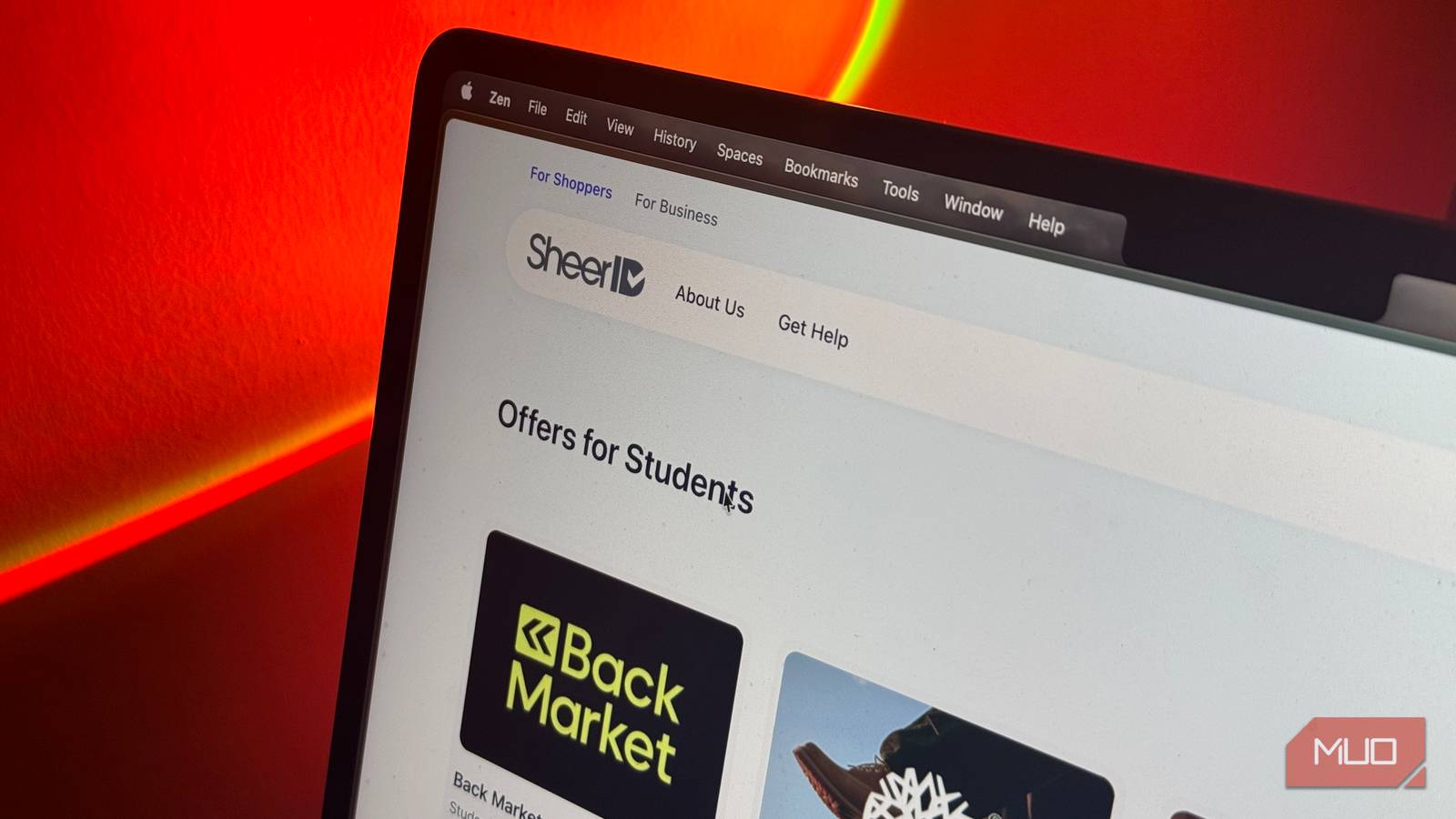
Similar to how practically everything in the world is getting more expensive with every passing day, the cost associated with being a student has risen too. Tuition has gotten more expensive, higher gas prices make commuting pricier, and even the little expenses you barely think about can add up surprisingly quickly over a semester.
Then there are software subscriptions. Note-taking apps, AI platforms, coding tools, presentation software, and even the services you use to unwind after class all seem to want a monthly fee now. Add a few of them together, and you can easily end up spending far more than you’d expect every month.
Thankfully, being a student also happens to be one of the easiest ways to avoid paying full price. Your student status can unlock many paid apps completely free (or at least at a steep enough discount that paying full price makes very little sense).

Figma Pro
Your group project deserves better than a rough sketch

While Figma is a tool I’d once only recommend to students interested in design, I’ve come to realize that it’s useful for far more than making interfaces look pretty. As a computer science major, I’ve ended up reaching for it whenever I need to prototype an app, map out a user flow, or quickly turn an idea into something visual before I start actually building it.
The best part is that students in higher education can get Figma’s Professional plan completely free through Figma for Education. That’s the tier Figma normally charges $16 per month for a Full seat, and it removes some of the biggest limitations of the free Starter plan.
You get unlimited files and folders for your team, unlimited version history instead of being restricted to 30 days, team-wide design libraries, and access to Figma’s more advanced prototyping and developer handoff tools.
A Full seat gives you access to products including FigJam, Figma Slides, Dev Mode, Figma Draw, and Figma Make. For higher-education students, the Education plan also includes Figma’s AI tools and a monthly allowance of AI credits. Figma Make is particularly interesting, since you can prompt it to turn an idea or an existing Figma design into a functional prototype or web app rather than stopping at a static mockup!
Notion Plus
My semester would fall apart without this one

If there’s one app I can’t survive a single semester without, it’s Notion. I use it throughout college for everything from keeping track of assignments and deadlines to storing notes, planning projects, and basically running my entire semester from one dashboard. The free plan is already generous enough for one person, but your student email can make it considerably better.
Students at eligible colleges and universities can upgrade to Notion Plus completely free, provided their account is tied to their institution’s email address. This is the same paid tier Notion normally sells to professionals and small teams, and the student version gives you a one-member Plus workspace without requiring a subscription.
While the free plan limits individual file uploads to 5MB and keeps just seven days of page history, Plus gives you unlimited file uploads with files up to roughly 5GB each and extends page history to 30 days. You also get unlimited charts, custom forms, more customization for Notion Sites, and database automations.
To get the free upgrade, all you need to do is sign in with your school email and select Get free education plan from the upgrade settings. Your university needs to be an accredited institution recognized in the World Higher Education Database, but unlike a lot of student offers, Notion doesn’t require you to upload an ID or go through a separate verification service.
GitHub Student Developer Pack
Being a CS student finally pays off
If you’re studying computer science, software engineering, or anything that involves coding, the GitHub Student Developer Pack is easily one of the best student perks you can claim. Rather than unlocking a single paid app, the Pack gives verified students access to 80+ developer tools and resources, including products from GitHub itself and a long list of third-party companies.
One of the biggest perks is GitHub Copilot Student, which verified students can access for free. The plan includes unlimited code completions, an allowance of GitHub AI Credits, and access to Copilot’s chat and agent features. You also get GitHub Codespaces usage equivalent to the allowance included with a GitHub Pro account, including up to 180 core hours per month for your personal account.
The Pack gets much more interesting once you start digging through all the partner offers, though. For example, JetBrains gives students a free subscription to its professional IDEs, including IntelliJ IDEA and PyCharm, while Codédex currently includes six months of its premium Club membership.
There are also offers spanning cloud services, developer tools, learning platforms, domains, and more. Since the exact partner offers can change over time, I’d recommend going through the Pack once you’re approved rather than assuming it’s just a way to get GitHub’s own tools for free.
Eligibility is fairly straightforward too. GitHub says students aged 13 or older who are enrolled in a degree or diploma-granting course can apply using a school-issued email address and/or dated proof of enrollment. Once you’re verified, you can claim the Pack’s benefits through your GitHub Education account!
Microsoft 365
You’ll need Word eventually, trust me
Microsoft 365 is another subscription that’s difficult to avoid as a student. Even if you personally prefer Google Docs or another productivity suite, chances are you’ll eventually have a professor who wants an assignment submitted as a Word document, a group project built in PowerPoint, or a spreadsheet that just so happens to end up in Excel.
Thankfully, eligible students can get access to Office 365 Education for free through their school. Microsoft’s free A1 Education plan includes the web versions of Word, Excel, PowerPoint, Outlook, and OneNote, so you can use most of the core Office suite without paying anything yourself.
There’s potentially an even better deal available to college students right now. Microsoft is currently advertising a limited-time offer that gives eligible students 12 months of Microsoft 365 Premium for free after verifying with a college email address. Since the offer appears to vary by market, it’s worth checking what Microsoft gives you after verifying your student status.
Even if the free-year offer isn’t available to you, Microsoft has another student discount in some markets. In the US, for example, verified college students can currently get Microsoft 365 Personal for $4.99 per month, half its regular price. That gets you the desktop versions of Word, Excel, PowerPoint, OneNote, and Outlook, along with 1TB of OneDrive storage and Copilot features inside Microsoft’s productivity apps.
Spotify Premium
There’s no studying without music, duh

Don’t let my professors see this, but there have definitely been semesters where Spotify has gotten more use than some of my actual course material. Between studying, commuting, working on assignments, and drowning out everything around me when I need to focus, music is the one constant I end up relying on throughout the semester.
Ads and needing an internet connection to listen to said music is a dealbreaker, though. This is why Spotify Premium is an absolute essential for me, and thankfully, it’s also one of the subscriptions students can get for considerably less. In the US, Premium Student costs $6.99 per month instead of the regular $12.99, and new eligible students currently get their first month free. It also includes Hulu at no extra cost, which makes the deal even harder to argue with.
Spotify verifies your enrollment through SheerID, and you can keep the student rate for up to four years as long as you reverify every 12 months.
Apple Music
Not a Spotify person? No problem

If you’re not a Spotify person and have found yourself slowly getting sucked into Apple’s ecosystem instead, Apple Music has a pretty great student deal of its own. Verified university students can subscribe at a discounted monthly rate, and in the US, the Student plan currently costs $6.99 per month. You also get your first month free.
The student plan doesn’t cut back on the actual Apple Music experience, either. You get access to the same catalog of more than 100 million songs, ad-free listening, offline downloads, lossless audio, Spatial Audio, curated playlists, and Apple Music Classical that you’d get with an Individual subscription. Better yet, Apple TV is thrown in at no additional cost, which makes the student plan feel more like two subscriptions bundled into one.
The discounted student subscription can also stick around for up to 48 months, provided you’re enrolled at a degree-granting university and continue to verify your student status when Apple asks!
Perplexity Education Pro
One AI subscription is enough

As a student right now, I know better than anyone that AI tools have become a pretty unavoidable part of education. Given just how many AI tools there are out there and how expensive each subscription is, a student can’t realistically subscribe to each one. Fortunately, AI labs seem to understand the dilemma students face and are frequently handing out free subscriptions and massive discounts.
While the free ChatGPT Plus and Google AI Pro deals have both expired, Perplexity Education Pro is still available to verified students for just $10 per month! This is half the price of the regular Pro plan, and all you need to do to claim it is verify your student status via SheerID.
The best thing about this subscription is that it isn’t a watered-down version of Perplexity Pro. Education Pro includes the regular plan’s premium models, unlimited Pro Searches, file and image uploads, Learn Mode, and access to Perplexity Computer! I’m a huge fan of Perplexity Computer and have written about my hands-on experience for MUO’s sister outlet, XDA, so getting access to the feature alone makes the $10 easy to justify.
For students in particular, I think Learn Mode is one of the more useful additions. Instead of simply spitting out an answer, it’s designed around helping you work through a topic and understand it, which makes Perplexity considerably easier to justify as a study tool rather than another AI subscription you’re paying for just to have around.
With Perplexity, you don’t just get access to the tool’s own models, either. Pro users can switch between premium models from other AI labs, including OpenAI, Anthropic, Google, xAI, Moonshot AI, and Z.ai. As of July 2026, the Pro lineup includes models such as GPT-5.6 Terra, Claude Sonnet 5, Gemini 3.1 Pro, Grok 4.5, Kimi K3, and GLM 5.2. That makes the $10 student plan particularly appealing if you’re already tempted to subscribe to multiple AI tools, since one subscription gives you access to several of their models from inside Perplexity instead.
A lot of the best student deals have already expired
For instance, Cursor had a great offer where students could get access to the platform’s paid tier completely free, but the program stopped accepting new sign-ups in June 2026. Google and OpenAI have also run similarly generous student promotions for Google AI Pro and ChatGPT Plus that are no longer available.
That makes the deals that are still around even more worth taking advantage of. Student offers tend to come and go, so if there’s a paid subscription you already use or have been thinking about paying for, it’s always a good idea to check whether your student status can knock a few dollars off the price first!
