

Our phones are supposed to make our lives easier, not busier. Yet I used to spend so much time adjusting simple settings, like turning Do Not Disturb on during meetings, opening Spotify every time I go for a run, or enabling silent mode every time I used the camera app to avoid that annoying shutter sound.
These are simple things that only take seconds, but they make you feel like you’re constantly managing your device instead of the other way around. That all changed when I discovered Samsung’s Modes and Routines. They take care of all those little chores without me having to do anything. It’s the kind of convenience that makes my smartphone finally feel worthy of the word “smart.”
What are Modes and Routines and what makes them so useful
Automations that feel like magic

Modes and Routines are like having a personal assistant inside your phone. They quietly take care of all the repetitive stuff. They are both similar in nature, but each one helps you with different things.
Let’s talk about Modes first. Modes change your phone’s behavior based on what you’re doing. For instance, if you’re heading to bed and want everything to wind down automatically, you can set up a Bedtime Mode. It can do things like silence notifications, lower screen brightness, turn on the eye comfort shield, and even switch to dark mode.
Similarly, you can create Modes for when you’re in the gym, at the office, or driving. You can trigger these manually or schedule them to turn on and off automatically at specific times.
Routines, on the other hand, are the rule-followers and far more flexible. You set conditions like time, location, or connected devices, and your phone performs actions whenever these conditions are met. For instance, when you connect your headphones, it can launch Spotify automatically. Or, you can create a routine that turns off fast charging during the night.
My favorite Modes that help me throughout the day
Little presets that make a big difference


Modes take all of your little habits and automate them. I have Modes for work, driving, exercise, and even bedtime. Setting them all up took some time, but now they save me so much time every single day.
My Work Mode, for instance, kicks in automatically when I reach the office. It turns off all the app alerts, but still lets important ones through, like phone calls and Slack messages. It also enables my favorite back-tap gestures.
Excersie Mode is another favorite. It activates when I reach my gym, opens YT Music, and turns on Do Not Disturb to block interruptions. I have even set it to change my wallpaper to a motivational quote to get in the mood. I also have a Driving Mode, which automatically sets my phone to read notifications out loud.
Finally, there’s the Bedtime Mode. It enables grayscale, puts my phone in silent mode, and turns off Always On Display. Every one of these Modes removes just a little manual work.
Handy Routines I can’t live without
The rules my phone always follows
If Modes handle the big picture, Routines are tiny wizards that handle the small stuff. They watch for the little triggers throughout my day.
One of my absolute favorites is my Morning Briefing routine. The moment I dismiss my alarm, my phone greets me like a friendly butler. It reads the time out loud and gives me the weather update.
Another simple but genius one handles Auto-rotation. Auto-rotate turns on automatically whenever I open YouTube or the Gallery app. When I close those apps, the phone goes back to portrait only.
I also have a Battery Saver routine that kicks in at 30 percent. It reduces brightness, switches to 60 Hz, and turns on dark mode. All of this keeps my phone running longer. Then there is the Camera routine. Any time I open the camera app, the phone goes silent to mute the camera shutter sound.
However, the most clever routine I have might be my Lost Mode setup. If I ever misplace my phone, I can trigger a special routine by sending a specific text message to it. This triggers a series of actions. It sets the phone to maximum volume, turns on mobile data, and shares its location to my wife’s number. It’s not something I need, but I’ve set it up for peace of mind.

These 8 Samsung Routines Make My Phone Easier to Use
I’ll never use another phone while these routines are around.
Explore the Discover tab for new ideas
Inspiration at your fingertips

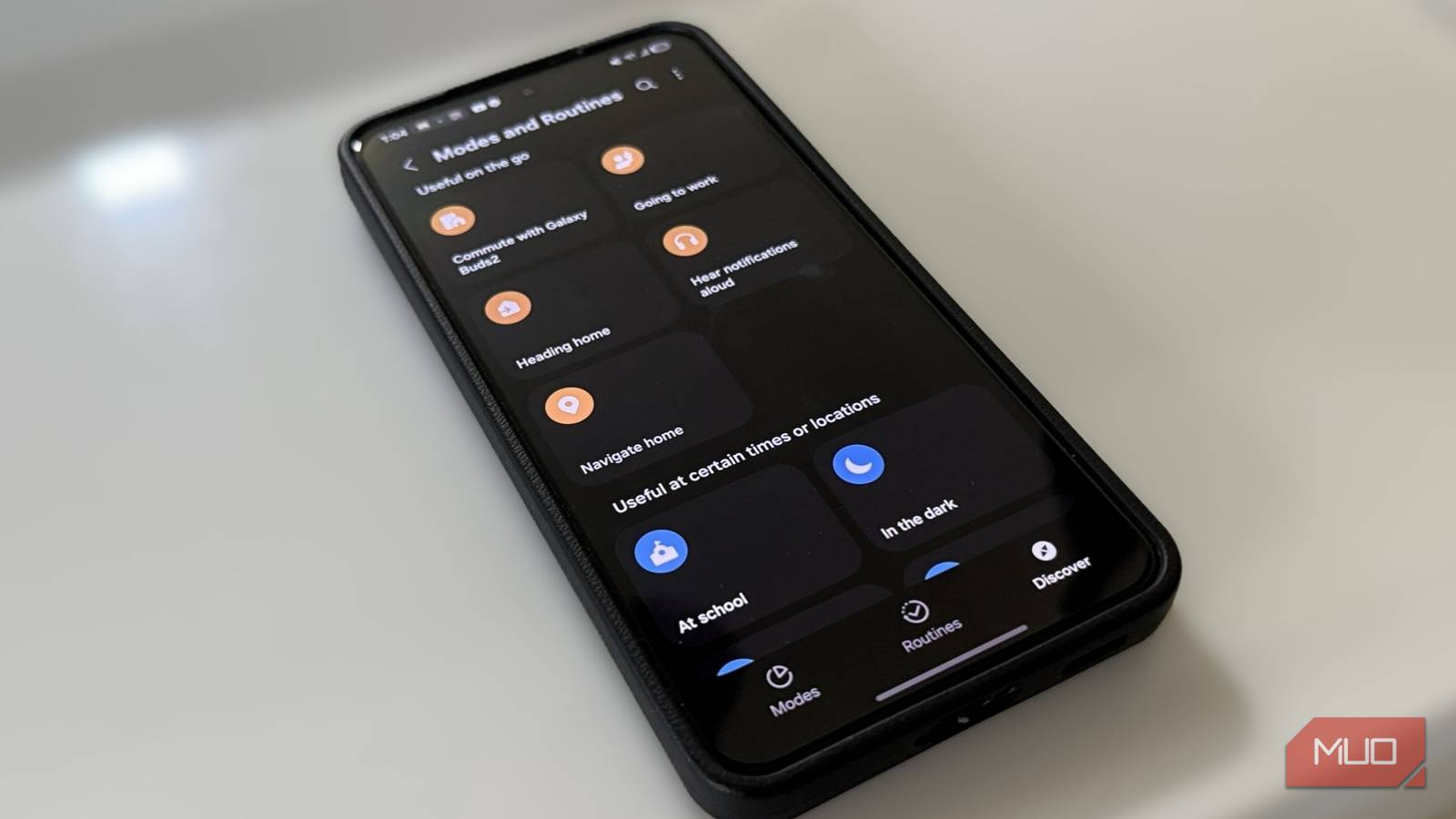
If you are not sure where to start or simply want some inspiration, the Modes and Routines menu also has a third tab called Discover. Open it, and you’ll find some pre-made Modes and Routines that you can edit or start using straightaway.
If you are already familiar with Modes and Routines, you can check out Routines+. It’s available through Good Lock and unlocks even more advanced actions and creative triggers. I’m currently using it to make the buttons on my Samsung phone do more than just adjust volume and lock the device.
Samsung’s Modes and Routines are not flashy features that beg for attention. But the more you explore and experiment with them, the more you will appreciate how much time and effort they save.
