
Close Menu
InclusiFund
    What's Hot

    Best QA Testing Tools for SaaS Applications in 2026

    March 4, 2026

    Discovery that Meta staff watch users’ Ray-Ban recordings raises privacy concerns

    March 4, 2026

    I stopped using Wi-Fi for my TV and I’m never going back

    March 4, 2026
    Facebook X (Twitter) Instagram
    InclusiFund
    Facebook X (Twitter) Instagram
    • Home
    • Daily Brief
    • Dealflow Dashboard
    • Sectors
      • Agritech
      • Climate Tech
      • Fintech
      • Healthtech
      • Logistics
      • Mobility
      • SaaS / Enterprise
    • Tools
    • Reports
    • Opinion
    • Services
      • For Investors
      • For Founders
    • About Us
    • More
      • Disclaimer
      • Advertise With Us
      • Newsletter
      • Work With Us
      • Terms and Conditions
      • Privacy Policy
      • Contact Us
      • About Us
    InclusiFund
    Home»Tools»Four iOS 26 Features That Quickly Became Everyday Tools
    Tools

    Four iOS 26 Features That Quickly Became Everyday Tools

    ElanBy ElanJanuary 24, 2026No Comments3 Mins Read
    Facebook Twitter Pinterest LinkedIn Tumblr Reddit WhatsApp Email
    Four iOS 26 Features That Quickly Became Everyday Tools
    Share
    Facebook Twitter LinkedIn Pinterest WhatsApp Email

    iOS 26 Focuses On Practical Improvements

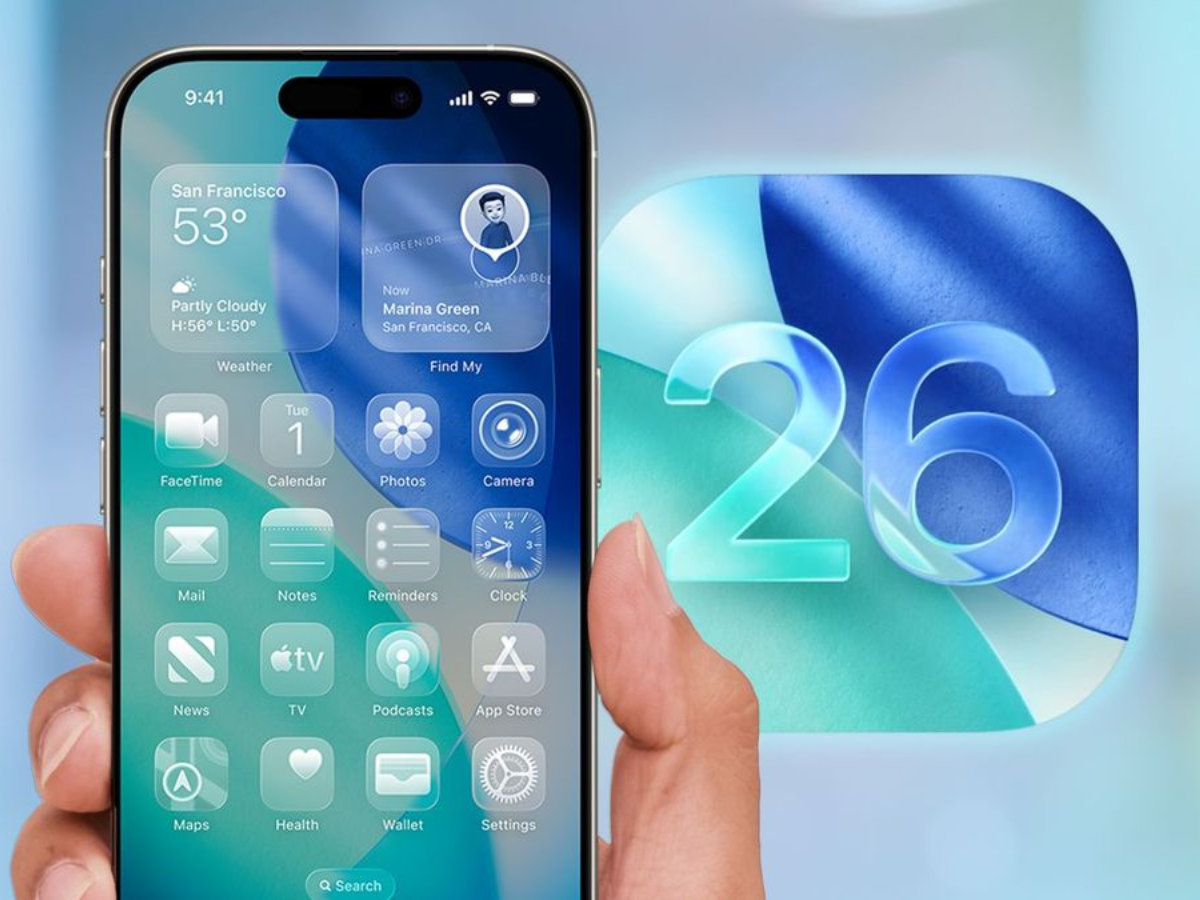
    iOS 26 delivers the usual long list of refinements, but only a handful of additions meaningfully change how the iPhone is used day to day. Several of the update’s smaller features improve core apps rather than introducing flashy new modes.

    These four additions stand out for their frequency of use rather than their novelty.

    1. Adaptive Toolbar Makes Notes Easier To Use

    Context-Aware Editing Controls

    Apple Notes gains an Adaptive Toolbar in iOS 26 that changes based on what you are doing inside a note. When editing text, formatting tools such as bold, italics, underline, and highlight appear automatically. Selecting multiple lines brings up list controls, indentation, and block quote options.
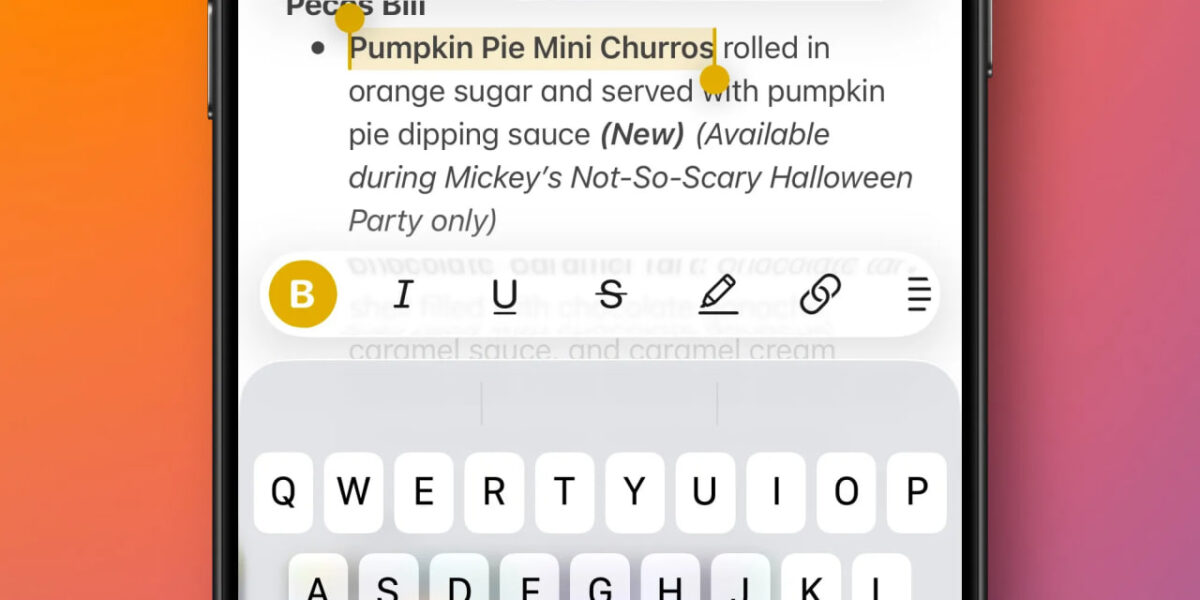
    The full toolbar remains accessible with a swipe, but most common tools are surfaced automatically. This reduces clutter and makes features easier to discover without digging through menus.

    2. Preview Comes To iPhone

    Better PDF And Document Handling

    The arrival of Preview on iOS brings Mac-style document handling to the iPhone. While many of its tools previously existed inside the Files app, Preview separates document viewing from file navigation.
     

    This makes it easier to keep a PDF open while browsing folders in Files, particularly when working with multiple documents. The setup feels closer to macOS-style multitasking and is especially useful for reading and comparing PDFs.

    3. Sleep Score Improves Health App Readability

    A Simpler Way To Understand Sleep Data

    The Apple Health app now includes a Sleep Score that summarizes nightly sleep quality. Instead of relying on raw charts, the score combines duration, bedtime consistency, and interruptions into a single daily number.

    The breakdown makes it easy to see why a score is higher or lower on a given day. The presentation mirrors the simplicity of Activity rings on Apple Watch, making sleep data easier to check at a glance.

    4. AI Search Enhances Apple Maps

    Natural Language Search Powered By Apple Intelligence

    Search in Apple Maps is now powered by Apple Intelligence on supported devices. Queries can be phrased more naturally and include multiple conditions, improving both known-location searches and discovery.

    The upgrade builds on Apple’s earlier AI-powered search improvements in Photos and applies them to one of the most frequently used apps on iPhone. While not visually dramatic, the change makes everyday navigation and place-finding more reliable.

    Small Features With Daily Impact

    iOS 26 does not rely on one headline feature to define the update. Instead, these additions improve apps that people already use constantly. Adaptive controls, clearer health data, better document handling, and smarter search collectively make the update feel more practical than experimental.

    Resources:

    iOS 26 added four new features I’ve been using almost every day

    Everyday features iOS Quickly tools
    Elan
    • Website

    Related Posts

    Best QA Testing Tools for SaaS Applications in 2026

    March 4, 2026

    I stopped using Wi-Fi for my TV and I’m never going back

    March 4, 2026

    I tried using “open-source Windows,” but it still doesn’t measure up to the real thing

    March 3, 2026
    Leave A Reply Cancel Reply

    Economy News
    Crypto

    Best QA Testing Tools for SaaS Applications in 2026

    By ElanMarch 4, 20260

    SaaS teams face a constant challenge: how do you test fast enough to match weekly…

    Discovery that Meta staff watch users’ Ray-Ban recordings raises privacy concerns

    March 4, 2026

    I stopped using Wi-Fi for my TV and I’m never going back

    March 4, 2026
    Top Trending
    Crypto

    Best QA Testing Tools for SaaS Applications in 2026

    By ElanMarch 4, 20260

    SaaS teams face a constant challenge: how do you test fast enough…

    Tech

    Discovery that Meta staff watch users’ Ray-Ban recordings raises privacy concerns

    By ElanMarch 4, 20260

    The death of Google Glass in 2013 was a victory for social…

    Tools

    I stopped using Wi-Fi for my TV and I’m never going back

    By ElanMarch 4, 20260

    Wi-Fi networks in many homes are strained by bandwidth, interference, and range…

    Your source for comprehensive insights on Africa’s private credit markets, InclusiFund synthesizes deal pipelines, repayment patterns, collateral trends, and sector-level signals to guide investors in underwriting and structuring credit in emerging African markets.

    We're social. Connect with us:

    our Categories
    • Work With Us
    • Advertise With Us
    • Contact Us
    • Disclaimer
    • Privacy Policy
    • Terms and Conditions

    Subscribe to Updates

    Get the latest creative news from FooBar about art, design and business.

    Facebook X (Twitter) Instagram Pinterest
    • Work With Us
    • Advertise With Us
    • Contact Us
    • Disclaimer
    • Privacy Policy
    • Terms and Conditions
    © 2025 Inclusifund. All Rights Reserved.

    Type above and press Enter to search. Press Esc to cancel.