
Close Menu
InclusiFund
    What's Hot

    FTX Founder Sam Bankman-Fried Has Formally Filed for a Pardon From President Trump

    June 8, 2026

    The CBN has a big plan for payments by 2028. 13 things worth knowing.

    June 8, 2026

    Microsoft Phone Link Adds Apple Messages Support for Windows, With Group Chat and Attachment Limitations

    June 8, 2026
    Facebook X (Twitter) Instagram
    InclusiFund
    Facebook X (Twitter) Instagram
    • Home
    • Daily Brief
    • Dealflow Dashboard
    • Sectors
      • Agritech
      • Climate Tech
      • Fintech
      • Healthtech
      • Logistics
      • Mobility
      • SaaS / Enterprise
    • Tools
    • Reports
    • Opinion
    • Services
      • For Investors
      • For Founders
    • About Us
    • More
      • Disclaimer
      • Advertise With Us
      • Newsletter
      • Work With Us
      • Terms and Conditions
      • Privacy Policy
      • Contact Us
      • About Us
    InclusiFund
    Home»Tools»Microsoft Phone Link Adds Apple Messages Support for Windows, With Group Chat and Attachment Limitations
    Tools

    Microsoft Phone Link Adds Apple Messages Support for Windows, With Group Chat and Attachment Limitations

    ElanBy ElanJune 8, 2026No Comments3 Mins Read
    Facebook Twitter Pinterest LinkedIn Tumblr Reddit WhatsApp Email
    Microsoft Phone Link Adds Apple Messages Support for Windows, With Group Chat and Attachment Limitations
    Share
    Facebook Twitter LinkedIn Pinterest WhatsApp Email

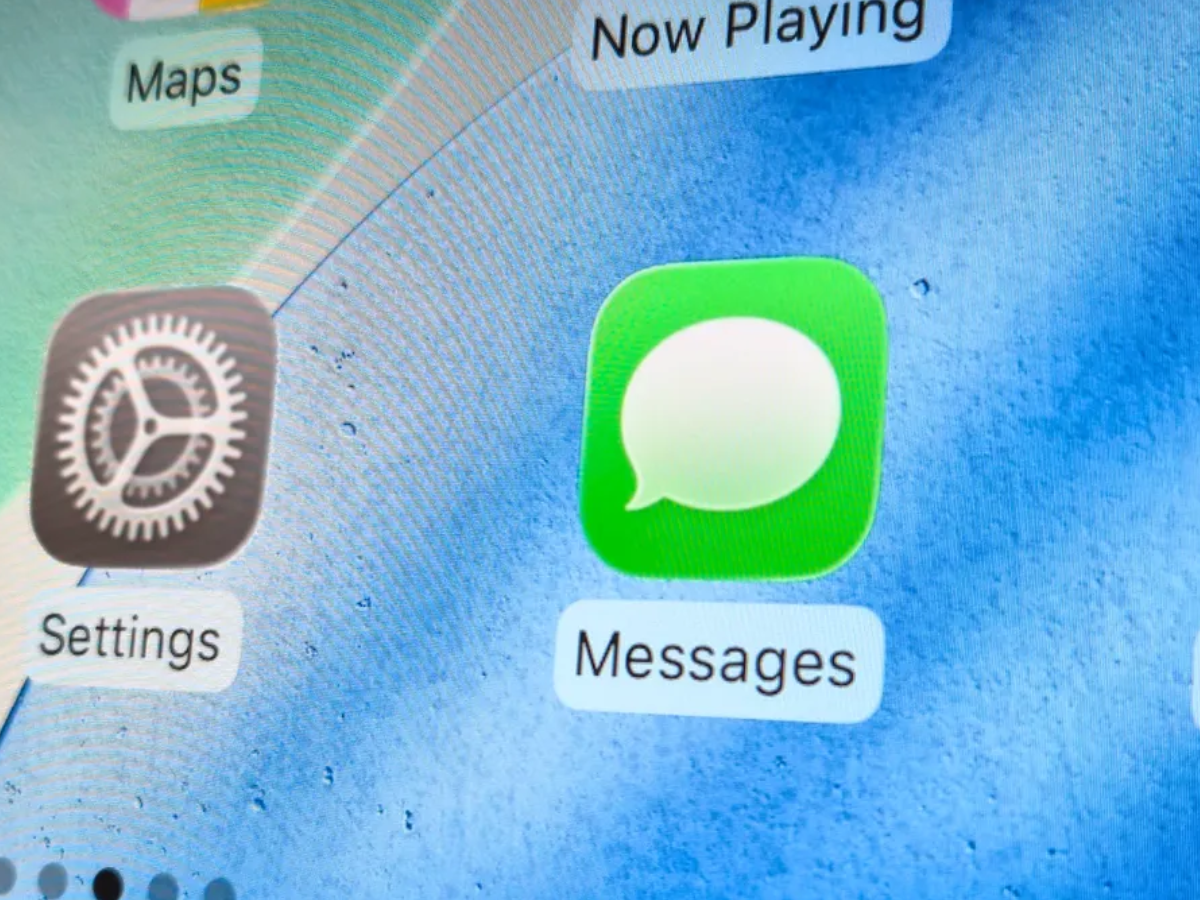
    Microsoft Phone Link now supports Apple Messages on Windows, which means iPhone users can send and receive iMessages and SMS texts from their PC without having to switch to their phone.

    The feature uses Bluetooth and does not break Apple Messages’ end-to-end encryption. However, there are some limitations, such as the inability to send or receive group messages, attachments, photos, or GIFs.

    Phone Link comes pre-installed on Windows 11 and can also be downloaded from the Microsoft Store. The iPhone must be running iOS 16 or higher.

    How to Set Up Your iPhone With Microsoft Phone Link on Windows

    Setting up the connection requires a Microsoft account, the Phone Link app on the PC, and the Link to Windows app on the iPhone:

    1. Open Phone Link on the PC by typing it into the taskbar search
    2. Select iPhone as the device type. Then, scan the QR code displayed on the screen with your iPhone camera.
    3. Tap “Pair your devices” on the iPhone. When a pop-up appears, tap “Open,” “Continue,” “Allow,” and then “Pair” to grant Bluetooth pairing permissions.
    4. Follow the remaining prompts to link the iPhone to your Microsoft account.

    After pairing, go to Settings on your iPhone, select Bluetooth, and choose the PC’s name from the list of connected devices.

    You can enable Show Message Notifications to receive alerts on the PC, and you also have the option to activate Sync Contacts and Share System Notifications from the same screen.

    What Works With Apple Messages, and What Doesn’t

    The Messages section in Phone Link displays a limited set of recent conversations and suggested contacts. Users can reply to individual messages and start new ones by entering a contact name or phone number.

    However, some features are not supported:

    • Group chats cannot be started or replied to, and attachments, photos, or GIFs are not available; only emojis can be sent.
    • Full inbox access is also not provided, with only a small selection of recent conversations visible.

    Messages sent or received through Phone Link will also appear on the iPhone, allowing users to switch between devices during a conversation.

    Since the feature uses Bluetooth rather than server routing, it does not impact the end-to-end encryption of Apple Messages.

    What This Integration Means for Windows Users

    For iPhone users who mostly work on a Windows PC, Phone Link offers a way to monitor and reply to individual text messages without switching devices.

    Its limitations mean it’s most useful for keeping up with one-on-one conversations during work hours, rather than replacing the iPhone as the main messaging platform for group chats or media sharing.


    Add Ghacks as a preferred source on Google

    Adds Apple Attachment Chat Group Limitations link Messages Microsoft Phone support Windows
    Elan
    • Website

    Related Posts

    Spiro Raises $215M to Support EV and Battery-Swapping Buildout – Africa Capital Digest

    June 8, 2026

    Everyone treats Claude Code like one agent, but it can be an army

    June 7, 2026

    Your hard drive uses one of three file systems—here’s why it matters when you format

    June 6, 2026
    Leave A Reply Cancel Reply

    Economy News
    Crypto

    FTX Founder Sam Bankman-Fried Has Formally Filed for a Pardon From President Trump

    By ElanJune 8, 20260

    In brief Sam Bankman-Fried field an application for pardon with the Office of the Pardon…

    The CBN has a big plan for payments by 2028. 13 things worth knowing.

    June 8, 2026

    Microsoft Phone Link Adds Apple Messages Support for Windows, With Group Chat and Attachment Limitations

    June 8, 2026
    Top Trending
    Crypto

    FTX Founder Sam Bankman-Fried Has Formally Filed for a Pardon From President Trump

    By ElanJune 8, 20260

    In brief Sam Bankman-Fried field an application for pardon with the Office…

    Tech

    The CBN has a big plan for payments by 2028. 13 things worth knowing.

    By ElanJune 8, 20260

    Nigeria leads on payments and fintech in Africa, and that isn’t a…

    Tools

    Microsoft Phone Link Adds Apple Messages Support for Windows, With Group Chat and Attachment Limitations

    By ElanJune 8, 20260

    Microsoft Phone Link now supports Apple Messages on Windows, which means iPhone…

    Your source for comprehensive insights on Africa’s private credit markets, InclusiFund synthesizes deal pipelines, repayment patterns, collateral trends, and sector-level signals to guide investors in underwriting and structuring credit in emerging African markets.

    We're social. Connect with us:

    our Categories
    • Work With Us
    • Advertise With Us
    • Contact Us
    • Disclaimer
    • Privacy Policy
    • Terms and Conditions

    Subscribe to Updates

    Get the latest creative news from FooBar about art, design and business.

    Facebook X (Twitter) Instagram Pinterest
    • Work With Us
    • Advertise With Us
    • Contact Us
    • Disclaimer
    • Privacy Policy
    • Terms and Conditions
    © 2025 Inclusifund. All Rights Reserved.

    Type above and press Enter to search. Press Esc to cancel.