

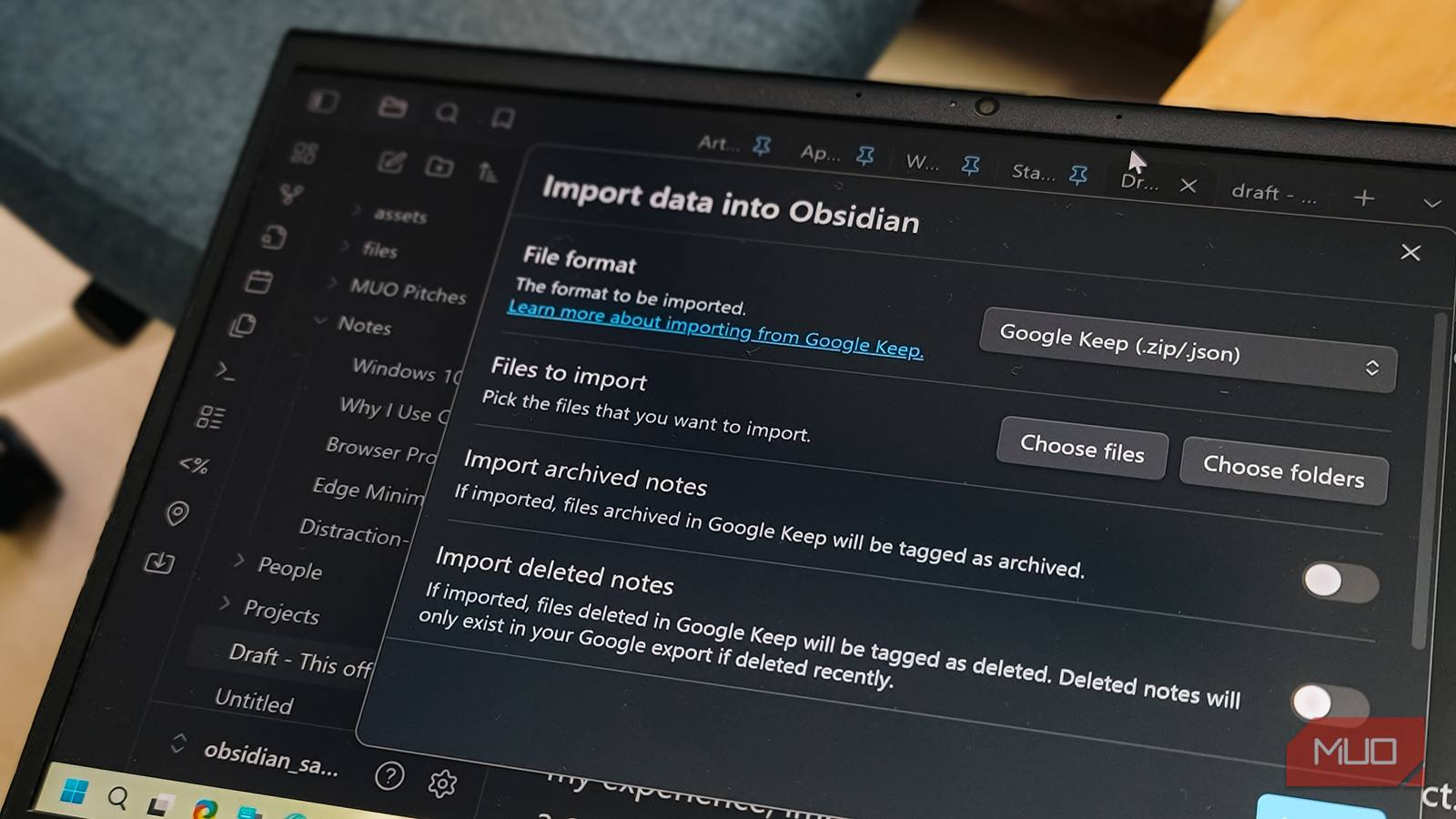
Obsidian is by far the best note-taking app I’ve used. But I started with OneNote, then moved to Evernote, Notion, and finally to Obsidian. So I had notes scattered in multiple places that I needed to move to my Obsidian vault.
While I’ve tried third-party tools to move from Evernote to Obsidian, Obsidian also offers an official Importer plugin that can import from all the major platforms, including Evernote, OneNote, Apple Notes, and Notion, without using an additional tool. Despite the quirks (more on this later), it offers an easy way to import all your notes from different platforms under a single vault.
Why I switched to Obsidian
From OneNote to Evernote to Obsidian

I discovered Obsidian accidentally when I read one of my colleagues’ columns about the note-taking app. I was using MS Word for my article writing back then, but after a few days with Obsidian, I abandoned MS Word entirely. What makes Obsidian great is its versatility. It can be as complex as you want it to be, or you can use it as a simple note-taking app with Markdown support and nothing else.
While you’ll need to pay for the sync feature, which might be worth it for some, you can sync your Obsidian notes across devices without paying anything. Over time, I’ve used it to visualize my trips and create a trip planner with Maps View, and, for the lack of built-in AI features, I’ve combined it with NotebookLM to get insights into my notes.
This decision was also influenced by Evernote’s ever-increasing subscription cost and its very limited free version. Notion was a bit too complicated for my workflow, and didn’t have a local-first approach to my files.
Setting up Obsidian Importer
Installing the plugin
The Importer plugin is available in Obsidian’s Community plugins. Open Settings, navigate to Community plugins, and search for Importer. Once installed and enabled, you’ll see an Importer icon in the left sidebar.
The basic workflow is the same across all platforms: choose the source format, set an output folder inside your vault, adjust any per-source options, and run the import. Obsidian shows live stats during the process so you can see how many notes have been imported, how many are remaining, and if any failed.
Evernote
For Evernote, you’ll need to export your notes first. Open the Evernote app, go to Notebooks, click the three-dot menu on each notebook, and export it as an .enex file. Make sure to include note attributes before saving.
In Obsidian, open the Importer, choose Evernote as the source, and select your .enex files. The plugin converts each note into Markdown, moves attachments alongside the note, and preserves basic formatting and tags where possible.
OneNote
OneNote works differently. Instead of exporting files manually, the Importer connects directly to your Microsoft account. Select Microsoft OneNote from the source list and authenticate when prompted.
You can choose which notebooks and sections to bring in. The plugin pulls your pages, converts them to Markdown, and separates media like images into linked files. OneNote’s page hierarchy gets flattened into folders and notes, but Obsidian keeps links and basic structure intact.
Apple Notes
If you’re on a Mac, Apple Notes doesn’t require manual export either. The Importer reads directly from the local Apple Notes container once you grant read permission.
Select Apple Notes in the Importer, pick an output folder, and decide whether to omit the first line (since Apple Notes uses it as the title). You can also choose to convert handwriting to text before starting. After you click Import and approve access, the plugin scans all your notes and creates markdown files.
Notion
For Notion, you’ll need to export your workspace first. Go to Settings & members in Notion, then Settings, and click Export all workspace content. Choose Markdown as the format.
In Obsidian, select the exported files and let the Importer do its work. The plugin handles the conversion, though some pages that are database artifacts or views rather than standalone notes may not provide meaningful content.
Things to consider
Import quirks and limitations

The Importer plugin works well, but it’s far from perfect. Expect some failed imports even when most of your library imports are fine. In my experience, importing 100+ notes from Apple Notes resulted in a couple of failures, which is pretty solid for a bulk migration.
Large OneNote libraries can hit Microsoft’s rate limiting. If you’re importing a couple thousand notes at once, some content might not come through on the first pass. The workaround is to import notebooks by notebook rather than all at once.
Imports can take a while for big libraries. Moving around 500 notes with 100+ attachments took me about 20-25 minutes. Not every app’s structure or attachment type maps perfectly to Markdown either. Some tags, special formatting, or embedded web content may need manual cleanup after the import.
Folder structures also don’t map 1:1. The Importer creates separate folders for each source, and you may need to manually reorganize afterward. I wish I knew these things before creating my Obsidian vault three years ago, but the cleanup is manageable once you understand what to expect.
A single vault for everything
The Importer plugin isn’t flawless, but it does what it promises. It took only a few hours to bring everything together from four different apps, and while I had to clean up some formatting issues and reorganize a few folders, the bulk of my notes survived the transition intact.
For anyone with notes scattered across multiple platforms, this is the easiest way to consolidate everything into one place. You don’t need third-party tools, and you don’t have to worry about paying for yet another subscription. The plugin is free, the process is as simple as it gets, and once everything is in Obsidian, your notes are just plain markdown files that you can read even using your web browser.
