

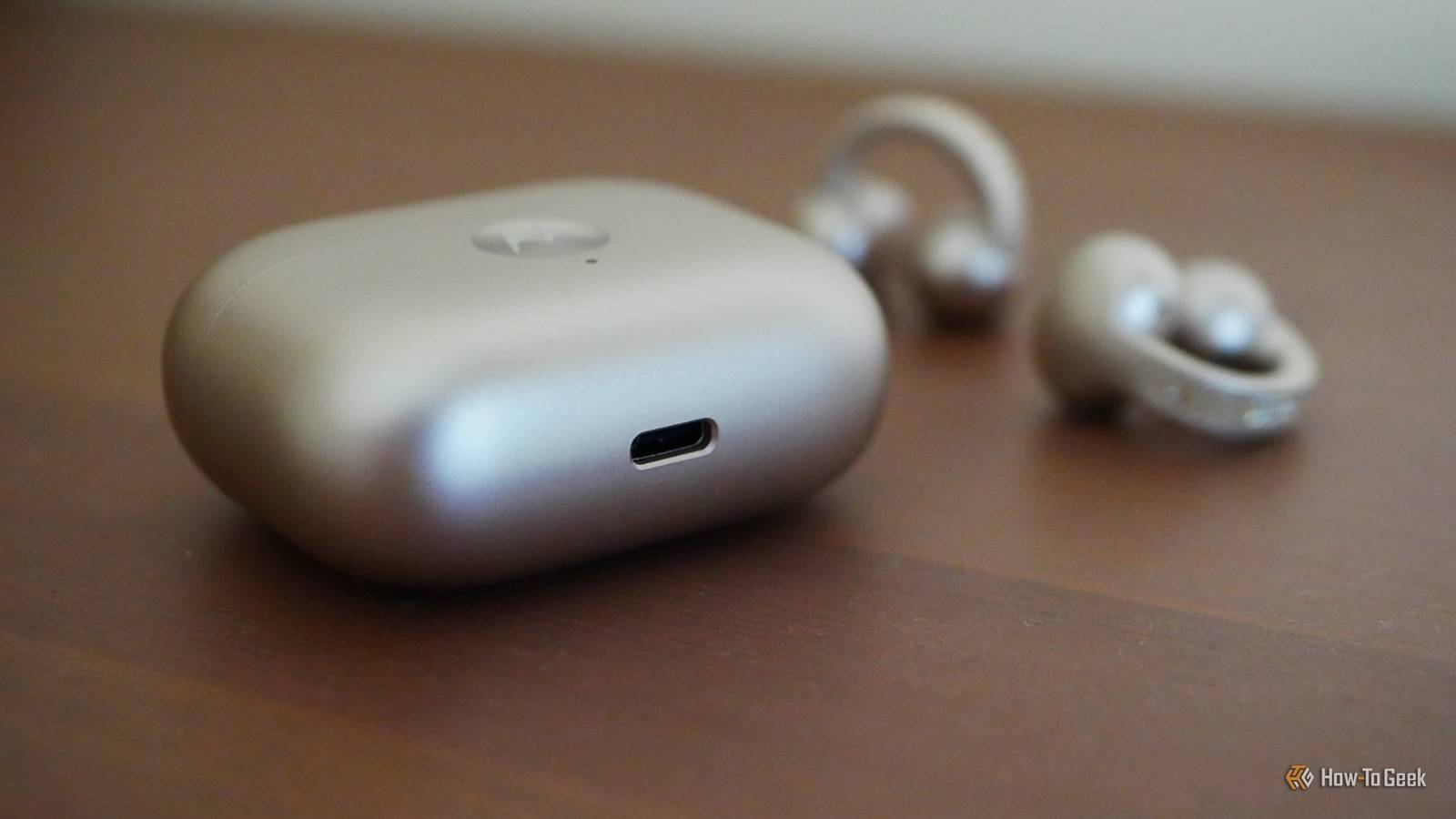
USB-C feels like the sensible ending to a long story, and not all of that story made a whole lot of sense. USB took plenty of strange detours before getting there, and some ideas were genius, while others didn’t stand the test of time.
The next time you complain about needing a USB-A or micro-USB cable, think back to these USB standards that tried to make USB smarter and more flexible, but ultimately all gave way to what we all crave: convenience.
USB OTG
Your phone briefly became the computer
USB On-The-Go, usually shortened to just USB OTG, was one of those ideas that sounded amazing the first time you heard about it, but it didn’t stand the test of time.
The way it worked was quite genius. Instead of your phone or your camera always acting like the smaller, dumber device that needed to be plugged into a computer, OTG let it take charge as the host. That meant you could connect things like flash drives, keyboards, cameras, controllers and other USB devices directly to a phone or tablet.
The problem was never really the idea itself, but rather just about everything else surrounding it. You needed the right device, the right support, the right adapter, and often a dash of patience, which made it, well, less than seamless, that’s for sure. USB-C eventually made this kind of role-swapping feel much more normal, but OTG walked so your phone could read a flash drive without it feeling like a huge hassle.

Quiz
USB standards & connectors
Trivia Challenge
From clunky Type-A plugs to lightning-fast USB4 — test your knowledge of the universal serial bus revolution.
HistoryConnectorsSpeedsStandardsHardware
In what year was the original USB 1.0 specification officially released?
Correct! USB 1.0 was released in January 1996 by a consortium led by Intel, Compaq, Microsoft, and others. It aimed to replace the chaotic mix of serial ports, parallel ports, and PS/2 connectors that plagued early PCs.
Not quite — USB 1.0 launched in January 1996. It was developed by a consortium including Intel and Microsoft to simplify the frustrating tangle of legacy ports on personal computers at the time.
What is the maximum data transfer rate of USB 2.0, also known as ‘Hi-Speed’ USB?
Correct! USB 2.0 tops out at 480 Mbps, which is why it earned the ‘Hi-Speed’ label when it launched in 2000. That was a massive leap over USB 1.1’s 12 Mbps Full Speed ceiling, making it practical for external hard drives and cameras.
Not quite — the correct answer is 480 Mbps. USB 2.0 is branded ‘Hi-Speed’ and launched in 2000, offering a 40x improvement over USB 1.1’s Full Speed 12 Mbps mode, which made external storage far more viable.
Which USB connector type was specifically designed for use with mobile phones and cameras, featuring a distinctive 5-pin trapezoidal shape?
Correct! USB Mini-B was the go-to connector for early digital cameras and mobile phones before being largely replaced. It features a recognizable five-pin trapezoidal design and was formally specified in USB 2.0, though it has since been superseded by Micro-B and USB-C.
The correct answer is USB Mini-B. It was the standard connector for early digital cameras and many mobile phones, featuring a 5-pin trapezoidal shape. It was eventually displaced by the slimmer Micro-B connector, which allowed for thinner device designs.
USB 3.0 was later rebranded by the USB Implementers Forum. What is its current official name?
Correct! The USB-IF rebranded USB 3.0 as USB 3.2 Gen 1 to fit into a unified naming scheme. It still delivers the same 5 Gbps ‘SuperSpeed’ transfer rate — the confusing renaming was meant to streamline the standard’s versioning but arguably made it more complicated.
Not quite — USB 3.0 is now officially called USB 3.2 Gen 1. The USB Implementers Forum rebranded the entire USB 3.x family to create a unified naming structure, though the 5 Gbps SuperSpeed performance of the original USB 3.0 remains unchanged.
What key physical feature makes USB Type-C different from all previous USB connector types?
Correct! USB Type-C’s most celebrated feature is its symmetrical, reversible design — you can plug it in either way without fumbling. Introduced in 2014, it also supports far higher power delivery and data speeds than older connectors, making it a true universal solution.
The standout feature is its fully reversible design — you can insert a USB-C plug either way up, ending the frustration of guessing the correct orientation. Introduced in 2014, USB-C also supports higher power delivery and data speeds than its predecessors.
Which organization is responsible for developing and publishing the USB specification?
Correct! The USB Implementers Forum (USB-IF) is the non-profit organization formed by the original USB developers to maintain and promote the USB specification. Founded in 1995, it certifies compliant products and grants the right to use the official USB logo.
The correct answer is the USB-IF, or USB Implementers Forum. This non-profit was founded in 1995 by the companies that originally developed USB, including Intel and Microsoft. It maintains the specification, runs compliance programs, and certifies products to carry the USB logo.
What maximum power output did USB Power Delivery 3.1 introduce, enabling charging of high-performance laptops?
Correct! USB Power Delivery 3.1, released in 2021, dramatically raised the ceiling to 240 watts using Extended Power Range (EPR) mode. This is enough to charge even power-hungry gaming laptops and workstations over a single USB-C cable, replacing bulky proprietary chargers.
The answer is 240 watts. USB Power Delivery 3.1, introduced in 2021, added an Extended Power Range (EPR) mode that maxes out at 240W over a USB-C cable. Earlier PD versions were capped at 100W, which was insufficient for many high-performance laptops.
USB4, released in 2019, is based on which company’s proprietary technology that was donated to the USB-IF?
Correct! Intel donated the Thunderbolt 3 specification to the USB-IF, which became the foundation for USB4. This means USB4 at its fastest tier (40 Gbps) is technically compatible with Thunderbolt 3 devices, blurring the line between the two standards significantly.
The correct answer is Intel’s Thunderbolt 3. Intel donated its Thunderbolt 3 spec to the USB Implementers Forum, and it became the basis for USB4. The top USB4 speed tier of 40 Gbps mirrors Thunderbolt 3, and the two standards share a high degree of compatibility.
Your Score
/ 8
Thanks for playing!
USB/IP
USB went on the network and got complicated
USB/IP was a simple enough idea, at least on the surface. One computer exports a USB device, another computer imports it over TCP/IP, and the remote machine treats the device almost like it was plugged in locally. Sounds delightful, right? It was especially helpful for lab hardware, development boards, dongles, VMs, or remote systems that need access to a physical USB device.
But the problem is that the whole appeal of USB lies in plugging something in and it simply working. USB/IP added a layer of networking, latency, permissions, and security, which made it so that it was never going to become the standard way to use USB for most people.
Mini-AB and Micro-AB
The port that tried to play both sides

Before USB-C arrived to clean up the mess, USB tried to solve the host-versus-device problem with ports that could play both roles. Mini-AB and Micro-AB receptacles could accept different plug types depending on what the device needed to do.
These ports mostly showed up on older mobile devices, cameras, GPS units, and similar gadgets from the era when every manufacturer seemed to be inventing its own personal cable drawer instead of everyone just nicely playing along with one, unified standard (the way we do now). Micro-AB replaced Mini-AB, and then USB-C eventually made both feel like some random oddities from a different era.
USB Audio
Your USB port became a sound card

USB Audio is the odd one out here because it didn’t exactly fail. If anything, it worked so well that most people don’t think about it as a USB side quest at all. We just plug in our USB headsets, microphones, DACs, speakers, or whatever other audiophile-friendly gadget comes to mind, and don’t think twice about it. That’s just about the best outcome any USB standard could possibly hope for, really.
Still, it absolutely belongs in this makeshift weird USB history book (or at least leaflet). USB started out as the sensible port for keyboards, mice, printers, and other such things. But USB Audio turned that same connector into a full-blown replacement for separate sound cards, analog audio jacks, and piles of dedicated audio cabling.
It’s not like USB Audio reinvented the data cable by making it wireless or networked, not in the same sense as some of the other entries on this list.
I’ve started labeling my USB cables, and you should too
There are many different USB cables with varying functions and speeds, which is why I label mine.
PoweredUSB
Cash registers got their own USB multiverse
PoweredUSB sounds like a basic thing. After all, you can charge via USB (although you shouldn’t use a laptop to charge your phone, for instance), so those ports are in fact “powered” in some way. But PoweredUSB is something else entirely.
Also known as Retail USB or USB PlusPower, it combined USB data with extra power delivery so point-of-sale hardware could run through one cable instead of needing both a USB cable and a power brick. I’m talking about stuff like receipt printers, barcode scanners, card readers, and similar devices you’ll find in retail settings.
In that world, PoweredUSB made so much sense. It helped clean up cabling while delivering reliable power for hardware that was often used for well over 12 hours a day. For regular consumers, though, it was way too specialized, and USB-C Power Delivery eventually gave us all a much tidier version of the same thing.
Wireless USB
USB escaped the cable and hid inside devices

Wireless USB was the boldest USB side quest by a mile, and that’s because it tried to do something we all must’ve wished for at one point or another: make USB work without the cable. It promised the convenience of USB with the freedom of wireless.
The funny thing is that Wireless USB didn’t fail because people disliked wireless stuff. It’s more that it failed because the rest of the tech world solved the same problem in different, perhaps better ways.
Bluetooth became the normal choice for many peripherals, while Wi-Fi handled networking and local sharing. Plus, there’s also cloud storage, reducing the need for direct transfers.
USB-C won because it equalized everything
USB standards are still such a complete mess, but they’re still better than even just a decade ago. While we still juggle different speeds, charging standards, display support, and cable capabilities, it’s still leaps and bounds from where we started off. USB-C finally feels like we’re settling into one thing that works, and hopefully, with enough time and innovation, it’ll do everything we want and replace a lot of other cables, too.
